How to Adjust the Time-outs
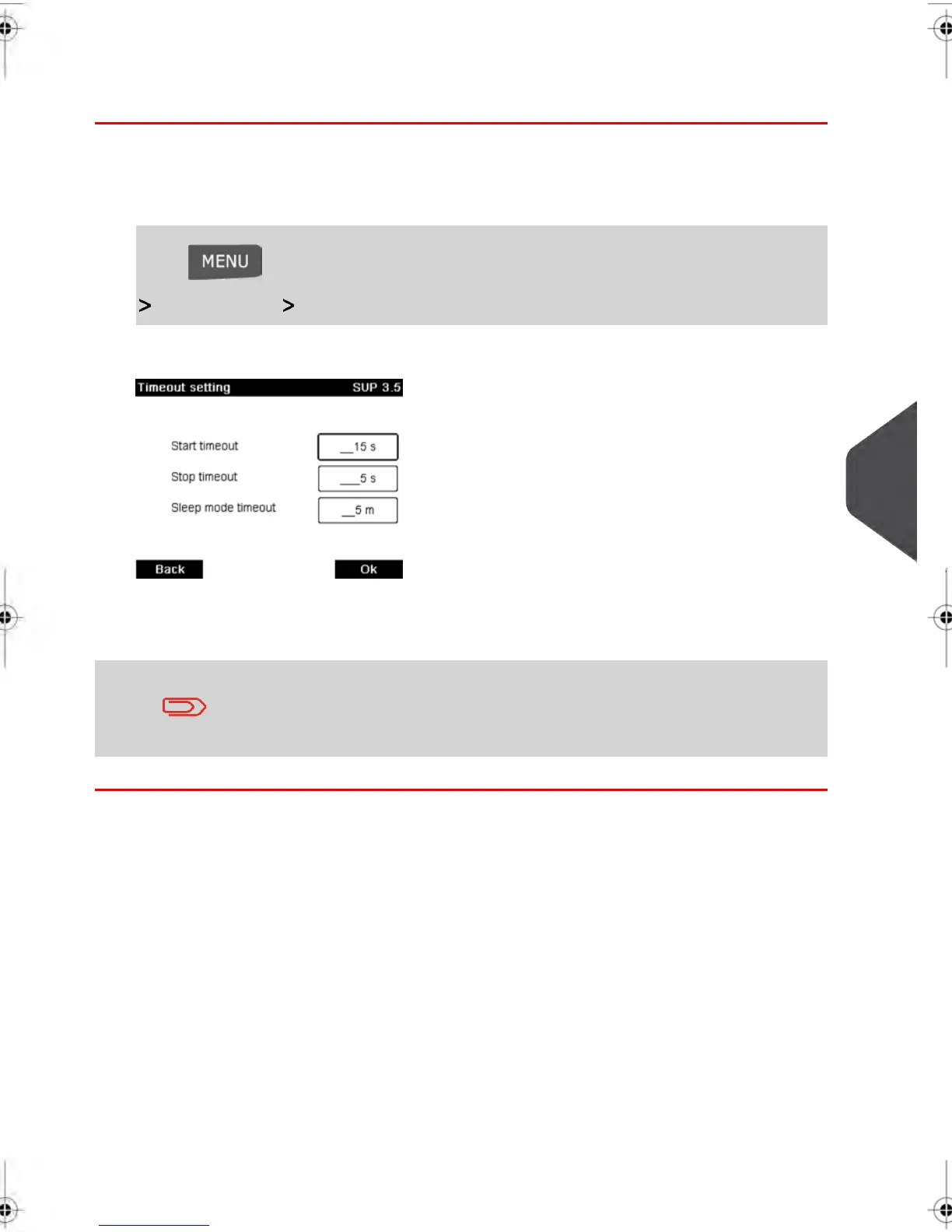
To adjust the time-outs:
1. As a user:
Press and type 2.7 or select the path:
Job settings Time-out settings
2. Select each field and specify the length of each the time-out (Use [C] to clear digits).
3. Press [OK] to exit.
This is a user setting that only lasts as long as you are logged in.
Setting Default Time-Outs
8
Configuring your Mailing System
157
| Page 157 | feb-14-2014 12:06 |



 To Next Page