3. Lift out the old ink cartridge.
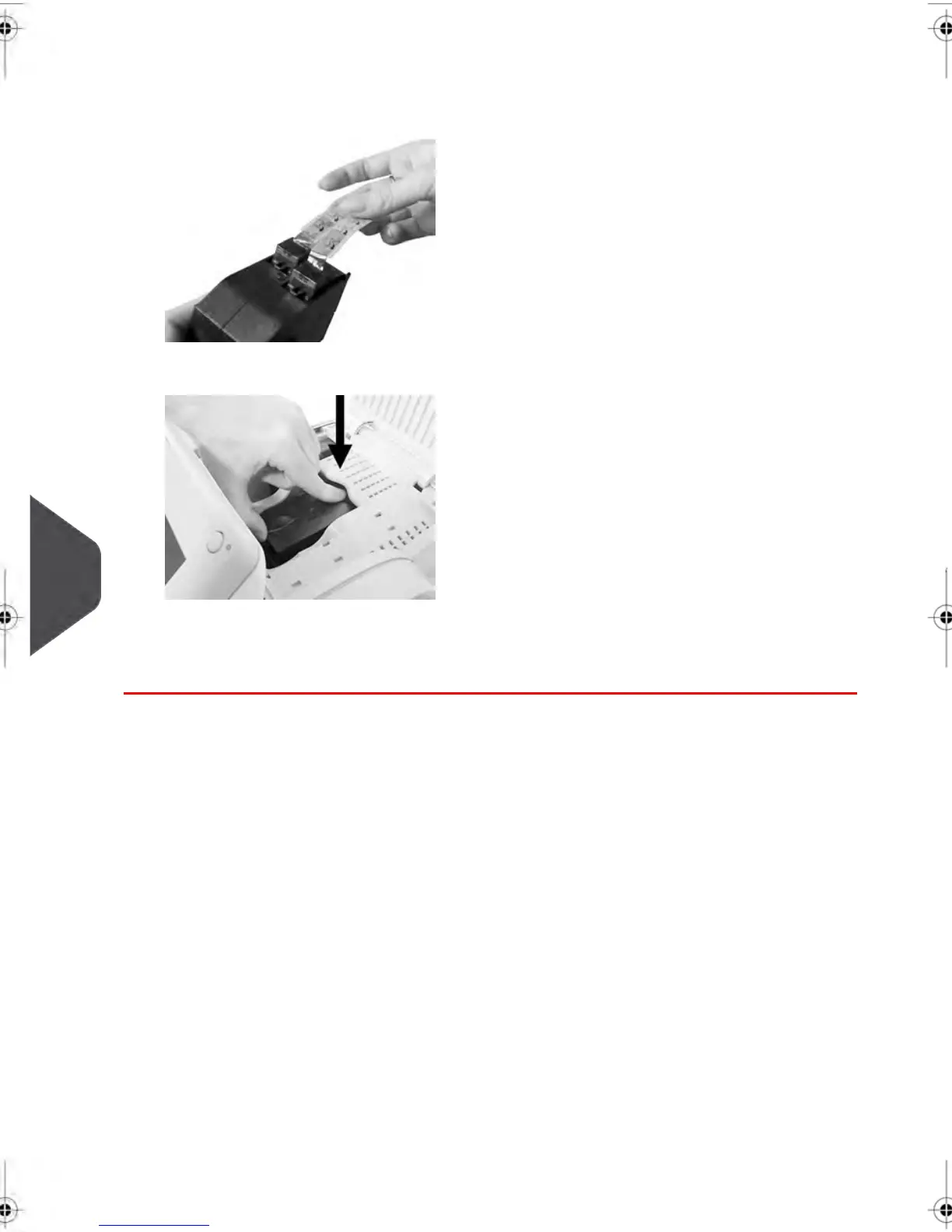
4. Remove the protective strips from the new ink cartridge.
5. Insert the new ink cartridge, and then push it forward until you hear the click.
6. Close the cover.
The alignment process of the printing heads starts automatically.
210
| Page 210 | feb-14-2014 12:06 |
10
Maintaining your Mailing System



 To Next Page