2. Select the menu path:
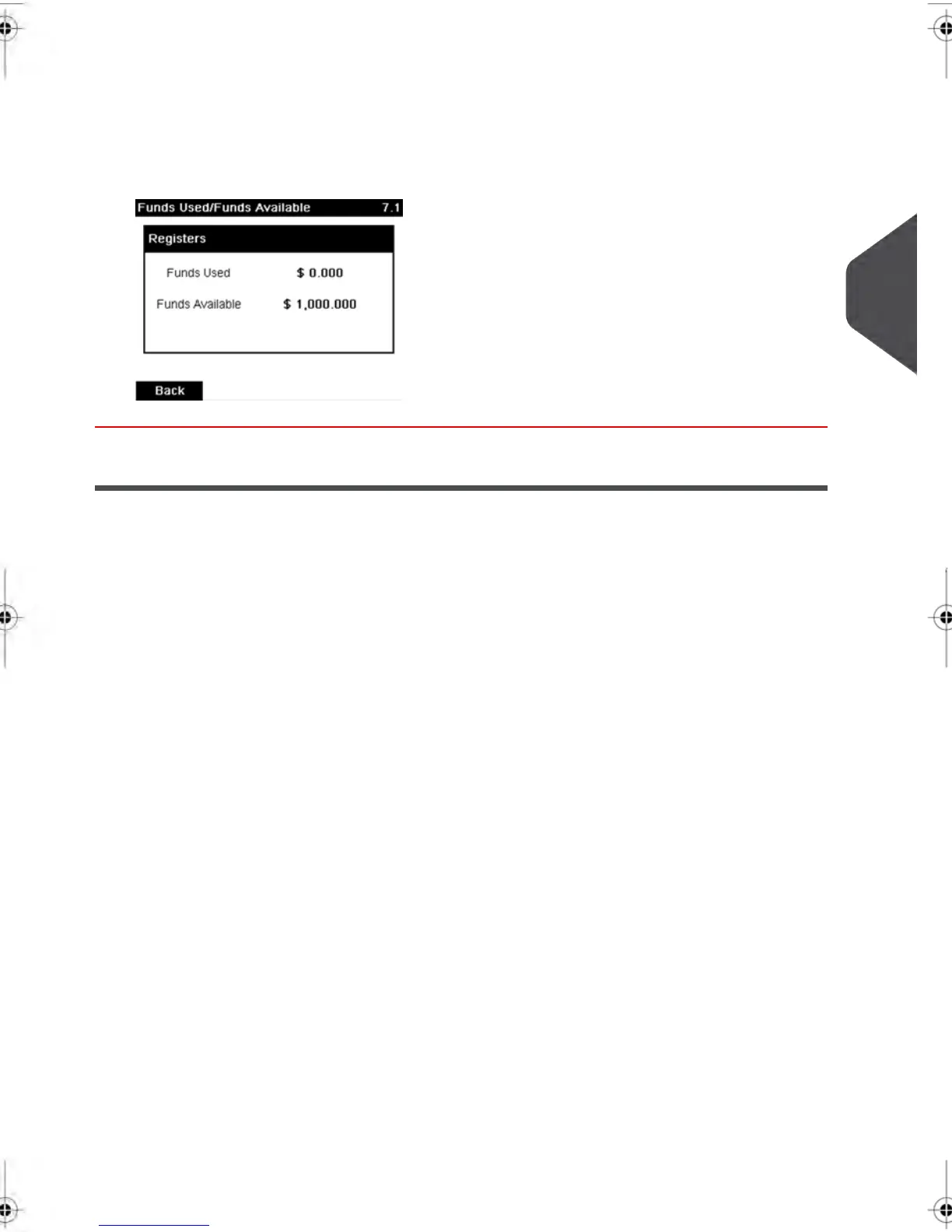
Funds used / Funds available
The screen displays your postage funds as shown below.
(Ascending = funds used. Descending = funds available.)
Adding Funds
You can add funds to your Mailing System at any time by complete the steps listed below.
The Mailing System then connects to the Postal Services and validates the operation.
4
Money Operations
81
| Page 81 | feb-14-2014 12:06 |



 To Next Page