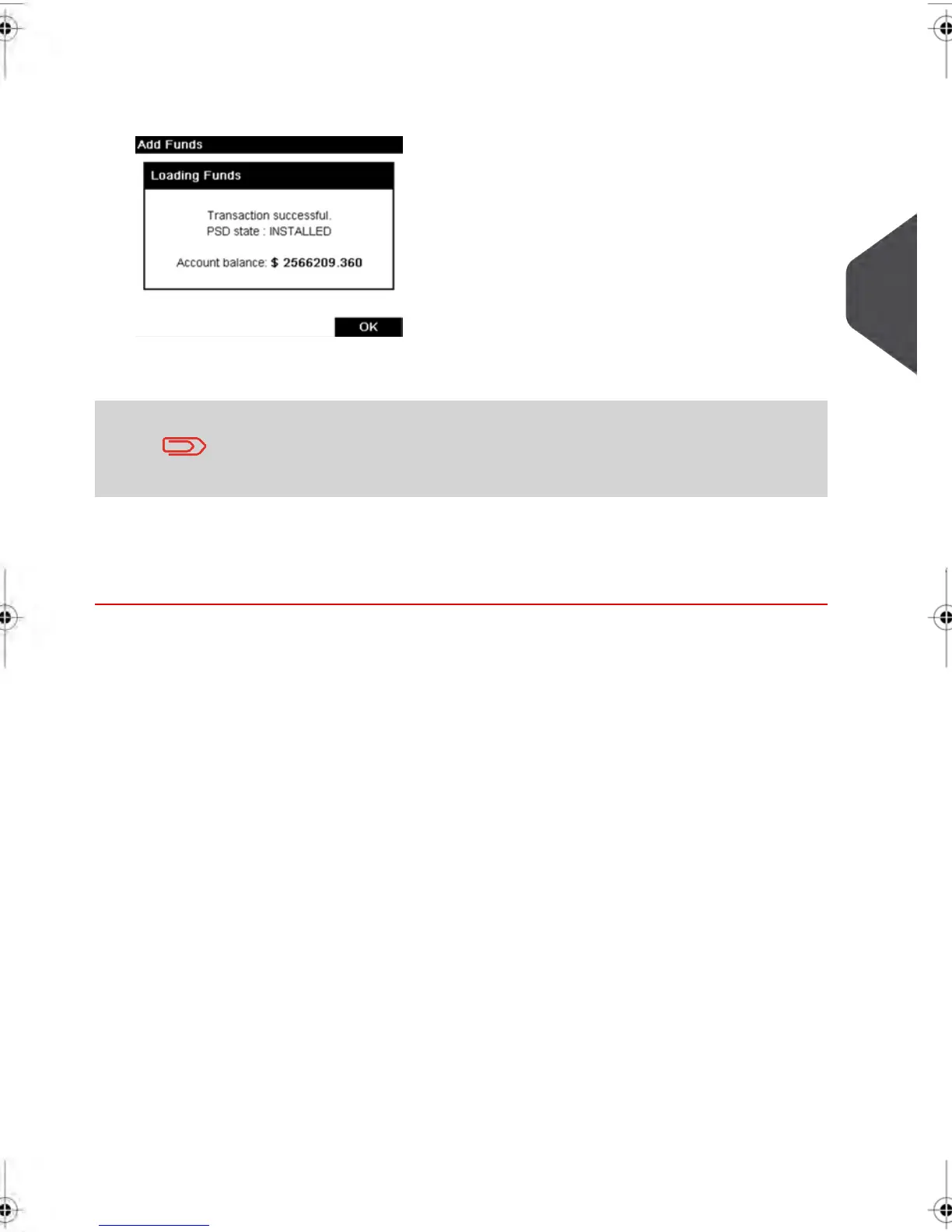
5. Press [OK] to start the connection to the Postal Server.
If the funding process is successful, the system displays a successful message.
If funding fails, the system displays a failure message and the amount that you may
actually add, depending on your postal account balance.
In the case of a communication error, the amount previously entered
cannot be changed. Check connection settings (see Connection
Settings on page 177).
6. You can open the Funds Used / Funds Available screen to check your account balance
once the transaction is complete (see How to Check the PSD (Meter) Funds on page
80 ).
Additional information
See also
•
As supervisor, you can set the Mailing System to ask for a PIN code for crediting:
see How to Set/Cancel a Funding PIN Code on page 161 .
4
Money Operations
83
| Page 83 | feb-14-2014 12:06 |



 To Next Page