Choosing a Weighing Type
Depending on the accessories and features on your Mailing System, several weighing
methods are available.
You can also enter the weight manually if you know it: see How to Enter the Weight Manually
on page 66 .
Weighing modes
Depending on the type of mail you want to process, choose a weighing method according
to the recommendations in the table below.
Select the method...For weighing...
• Standard WeighingItems one by one
• Differential WeighingItems stacked on the Weighing Platform
• Manual WeightItems exceeding WP capacity (see
Specifications on page 235)
The recommendations in the table only apply to items processed
with the same rate.
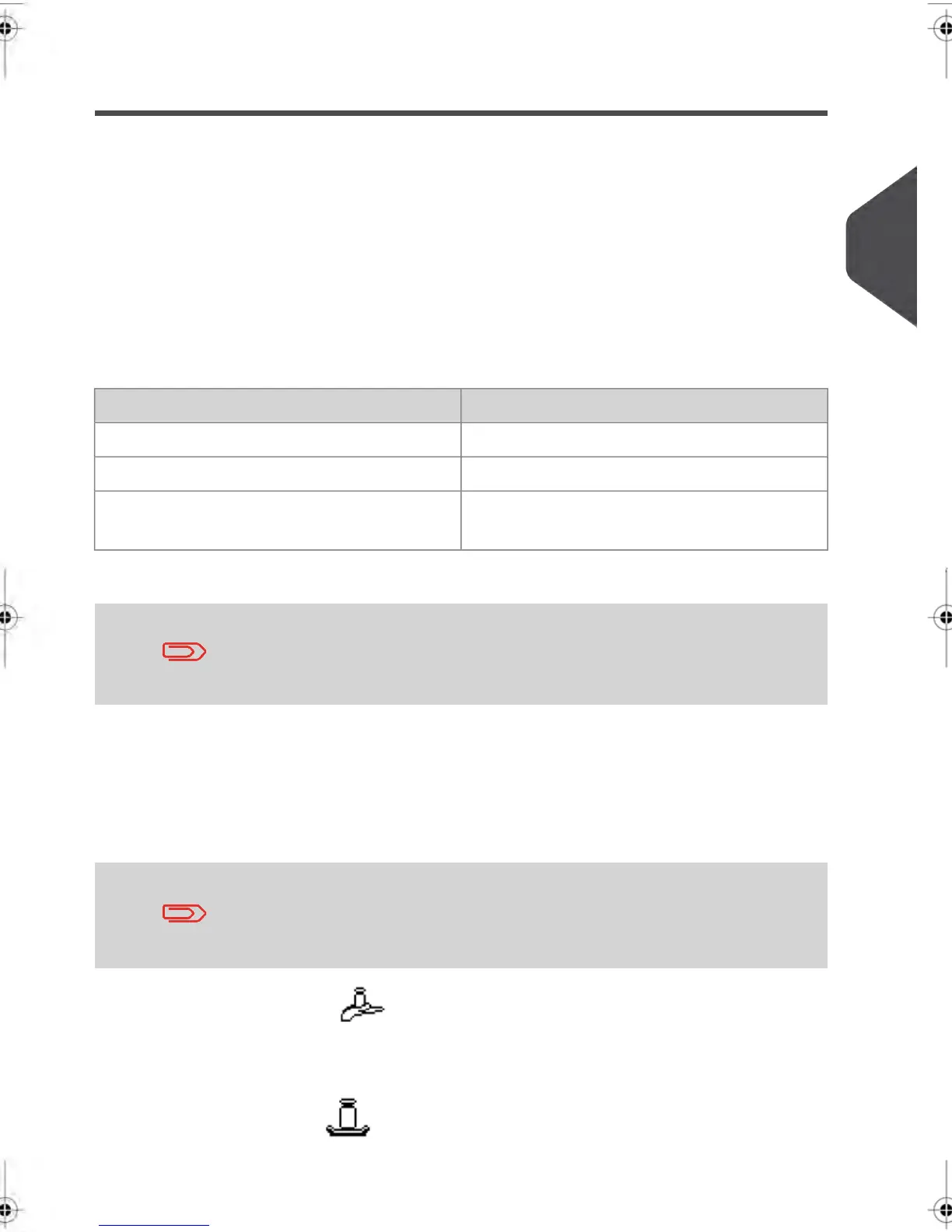
The Weighing type icon on the screen indicates the weighing method selected and thus
the source that provides the weight of the mail piece to the system.
Details on the Weighing Types
All weighing options listed below may not be available in your
Mailing System. Check with customer service to see how you can
easily add weighing features to your Mailing System via online
services.
•
Manual Weight Entry ( )
In this mode, you enter the weight manually (see How to Enter the Weight Manually
on page 66).
•
Standard Weighing ( )
3
Processing Mail
63
| Page 63 | feb-14-2014 12:06 |



 To Next Page