Telephone and LAN Connections
Your system uses a LAN (high speed internet connection) to connect to your customer
Online Services and to a mail accounting software (MAS), located on a separate PC.
Your Mailing System uses the telephone network to connect to the Postal Services and to
your customer online services.
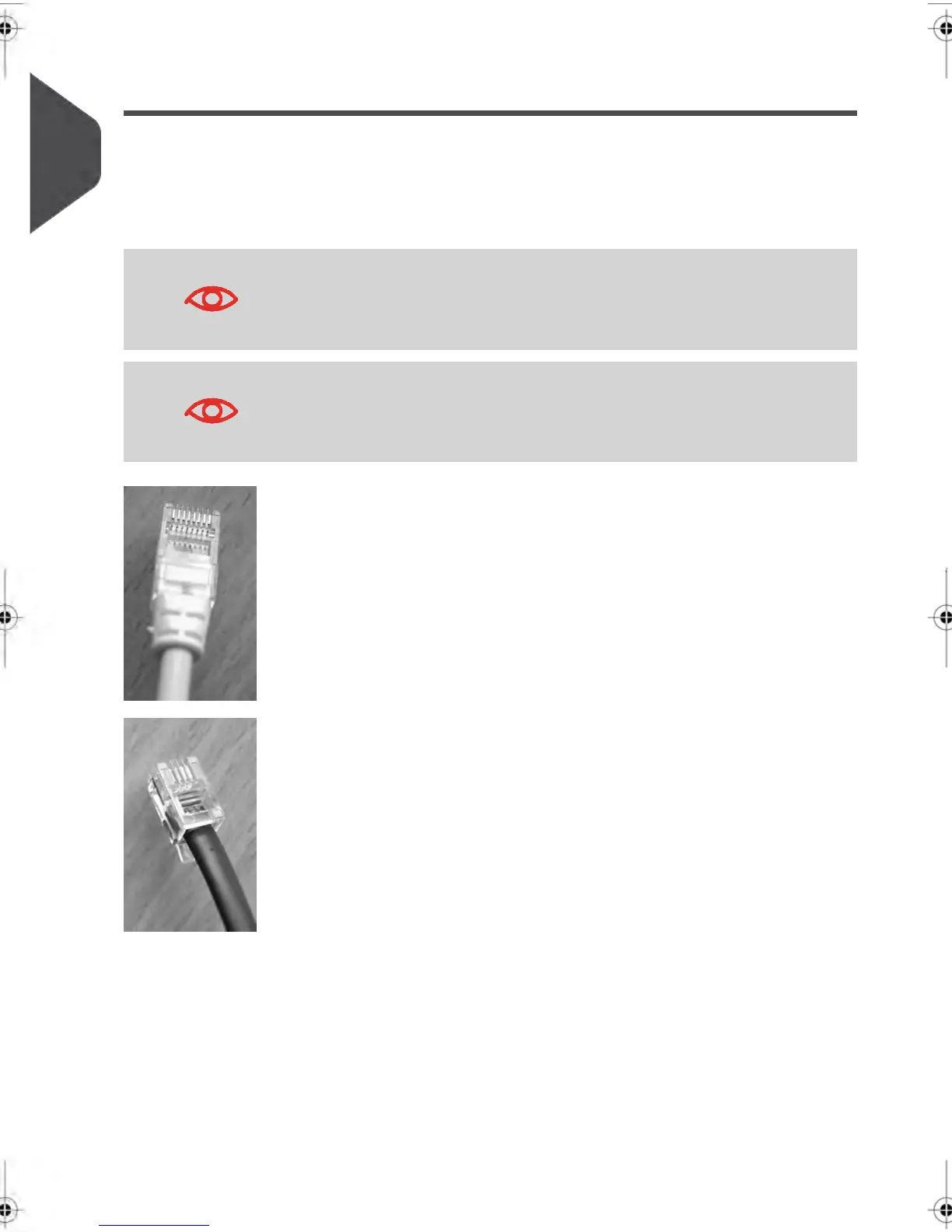
To prevent damage to equipment, do not confuse telephone jacks
that connect to the modem and LAN connectors that are bigger:
You are recommended to use LAN connection.
Network/PC LAN (8 wires)
Analog phone (4 wires)
Follow the additional precautions below:
•
Avoid using your system during an electrical storm; as there may be a risk of electrical
shock from lightning.
•
Do not install telephone jacks or LAN connectors in a wet location.
•
Disconnect the telephone or LAN cable from the wall before moving your system.
8
| Page 8 | feb-14-2014 12:06 |
1
Read this First



 To Next Page