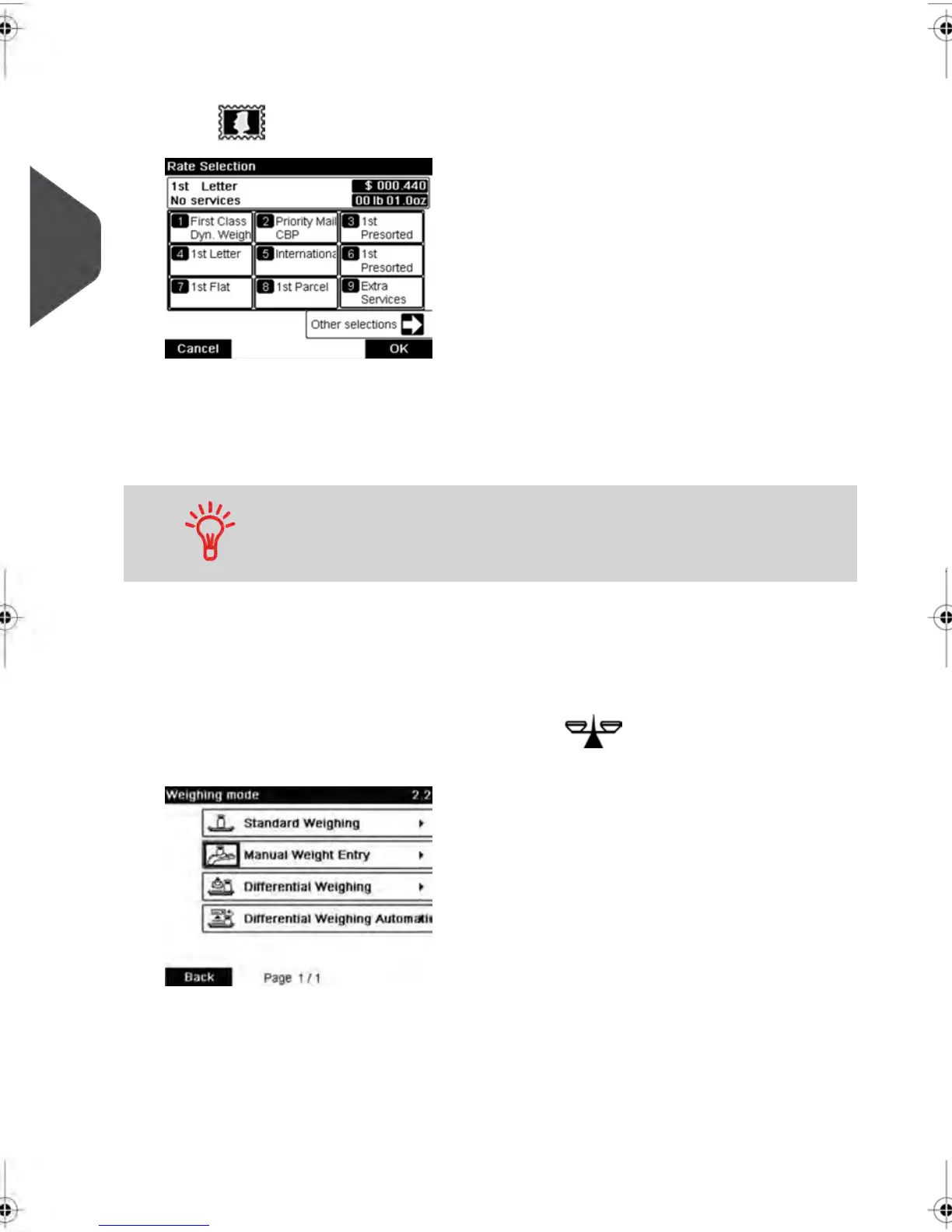
4. Select a rate and add services .
Press to open the Rate selection screen.
Type a rate number to select a rate or display new rate options
Select Other selections to gain access to the Rate History or Rate wizard options that
follow:
For more details, see Selecting a Rate on page 60 .
You may also enter the postage amount manually : on the home
screen, type directly the amount using the keypad. For more details,
see How to Enter Postage Manually on page 62 .
5. Select a weighing Mode (if you did not enter any amount)
Depending on the quantity and type of mail you have to process, you can choose an
efficient weighing method that uses the weighing platform to save time: see Choosing
a Weighing Type on page 63.
To change the current weighing mode , press and select a weighing mode
in the Weighing type screen.
For more details, see How to Change the Weighing Type on page 65.
44
| Page 44 | feb-14-2014 12:06 |
3
Processing Mail



 To Next Page