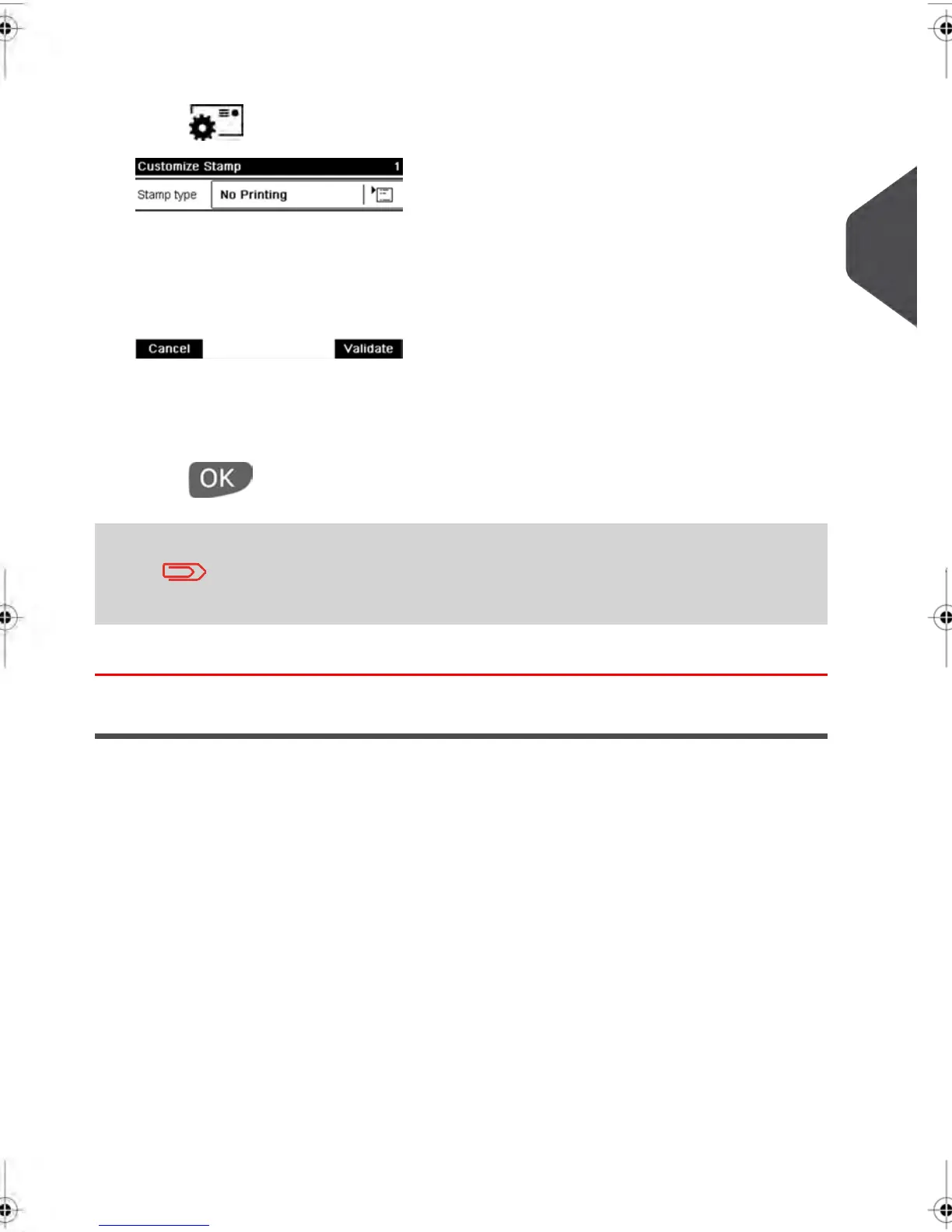
2. Check or change the type of stamp :
Press to access the imprint screen:
3.
To change the type of stamp , select Stamp type and then select [No stamp ] in the
Type of stamp screen. For more details, see How to Change the Current 'Type of
Stamp' on page 36 .
Press to return to the home screen.
If you want to seal envelopes without printing you must turn the
sealer lever on: see Using the Sealing Function on page 73
You are now ready to process mail.
Running Mail
3
Processing Mail
57
| Page 57 | feb-14-2014 12:06 |



 To Next Page