97
8.3 Normal mode
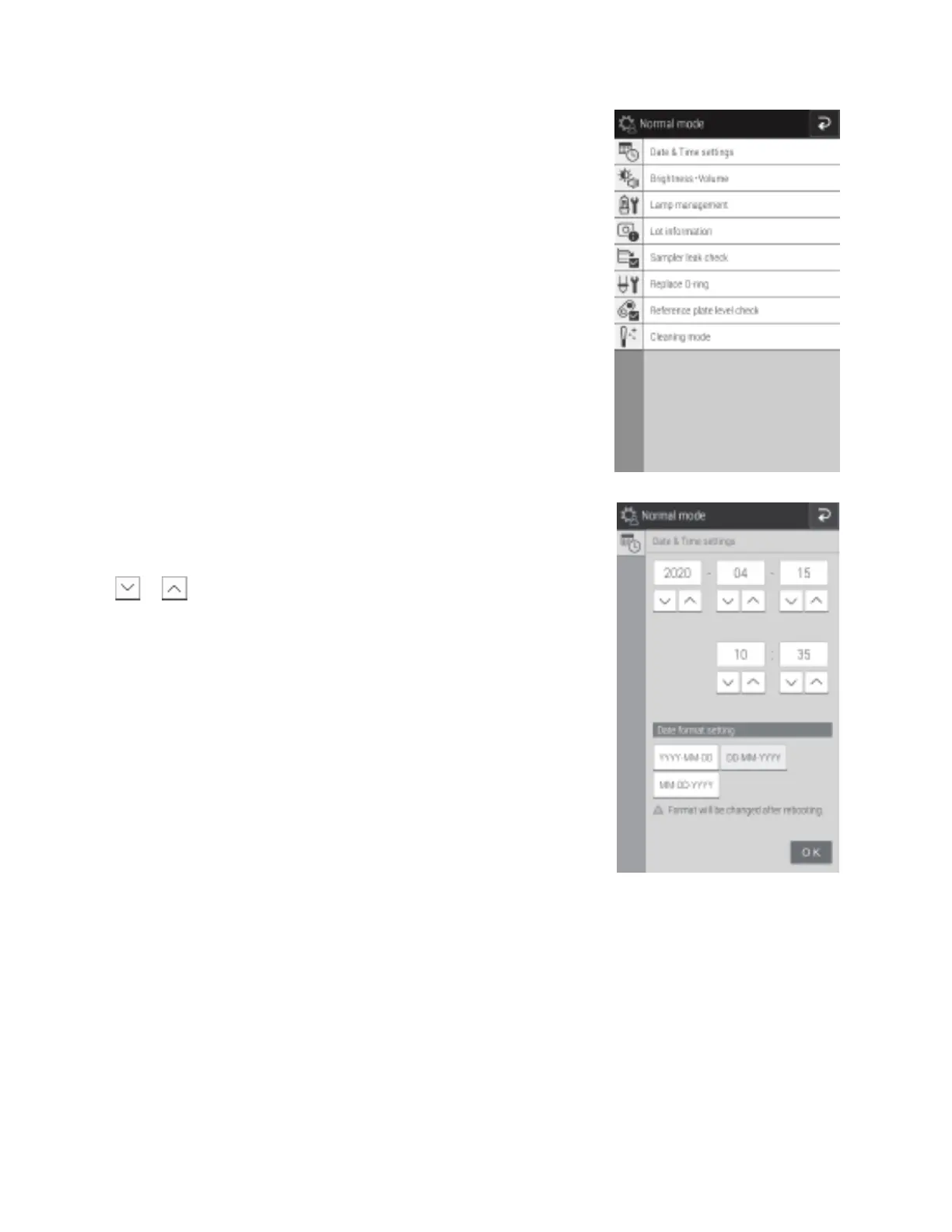
Use this function menu for general, normal operation. For example, set the time and configure the brightness of the LCD.
8.3.1 Date and time settings
This mode is used to set the date and time settings stored in the
memory.
• Touch or to change the date and time values.
• Configure the order of the year, month, and date by using [Date
format setting].
• If transmitting results to a PC, the date format setting must be
YYY-MM-DD.
NOTE: The analyzer must be restarted to enable a change of [Date
format setting].



 To Next Page