74
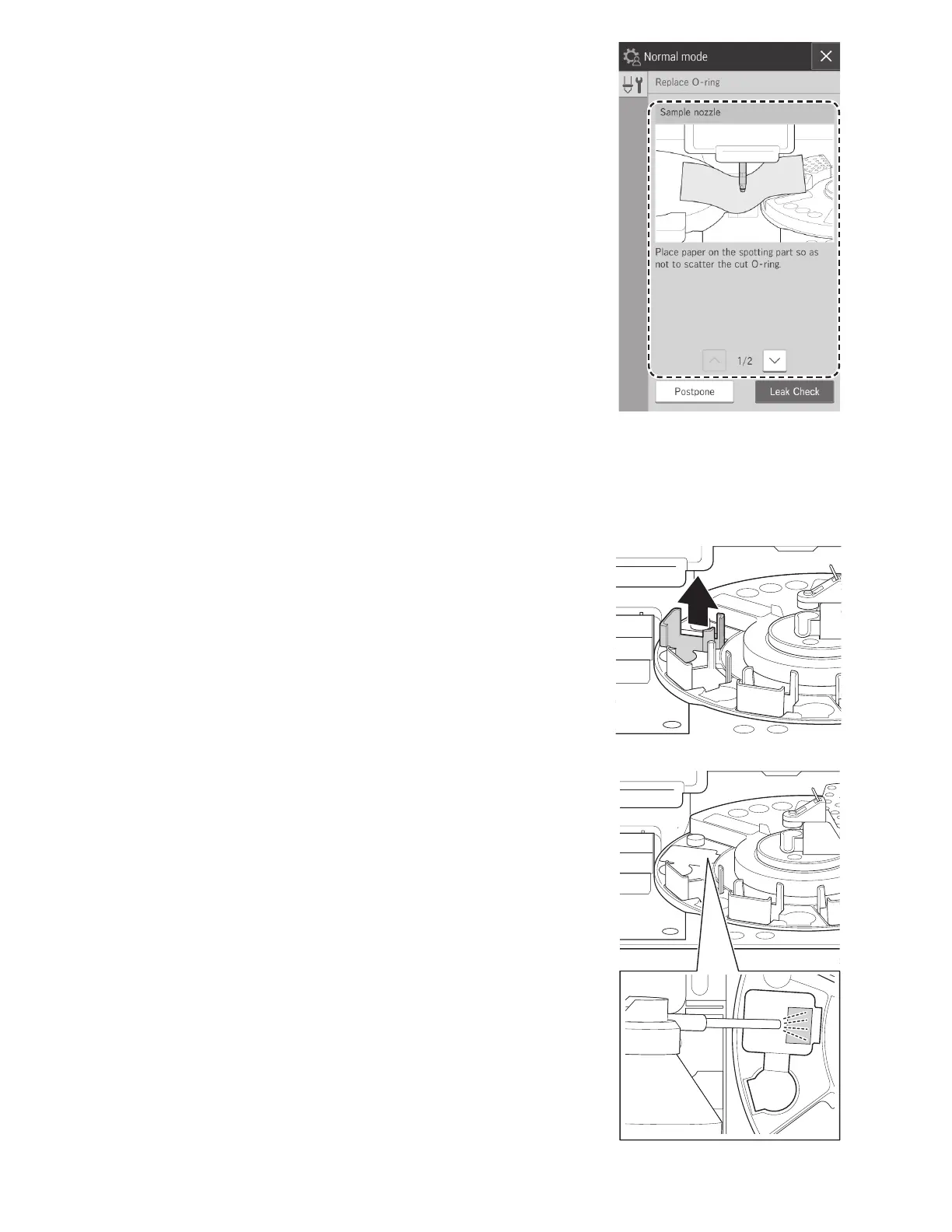
6. Follow the on-screen instructions to replace the O-ring.
7. Touch LEAK CHECK to check for leaks. Section 6.6.1
6.7 Cleaning the Slide Reading Section
When a slide-detection error has occurred, dust and other soiling may be the cause. Clean the slide reading section to
avoid these errors.
1. Switch off the analyzer power.
2. Open the sampler cover and panel unit.
3. Slide the sampler unit all the way to the left.
4. Remove the slide cartridge of sample A and the smaple rack
in position A..
5. Turn the sample disk by hand so sample A is in the aspiration
position. (between 9 o'clock and 10 o'clock).
6. A light source should be used to locate the slide reader lens.
7. Through the opening of the slide cartridge area of sample A,
use canned air to blow away any dust on the glass plate of
the reading section.



 To Next Page