105
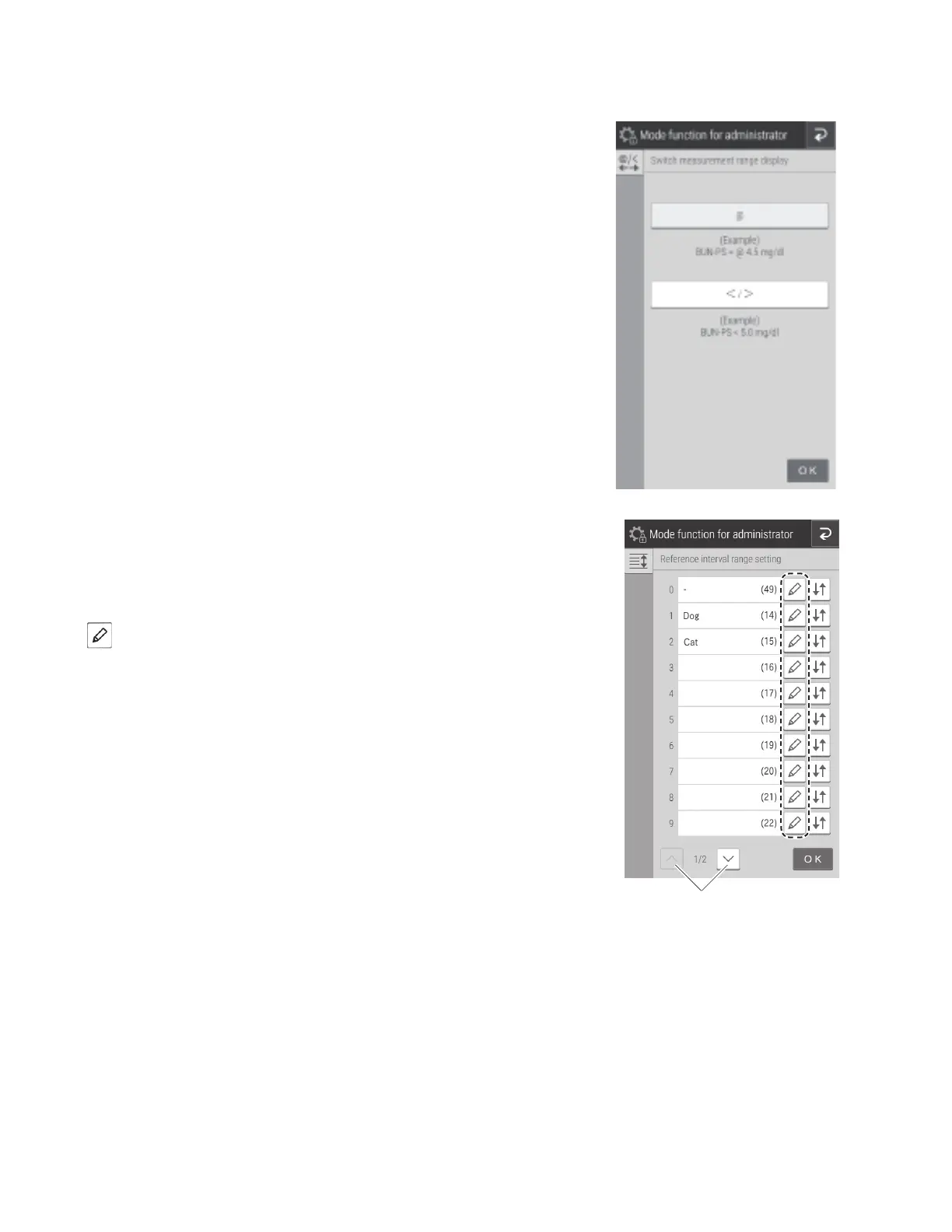
8.4.5 Switch measurement range display
Switch the display method for data outside the measurement range (passing the upper/lower limit of the determination
range) for all tests.
• If [@] is configured, an [@] symbol is added to indicate the
displayed measurement value is outside the measurement range.
NOTE: Measured values with an [@] symbol may not be accurate.
• If [</>] is configured, a value outside the measurement range is
displayed by a [<] or [>] symbol.
8.4.6 Reference interval range setting
Add, edit, and change the order of the reference interval names to be
selected when registering sample information.
Adding and editing of reference interval names.
Touch of the item you want to edit or add.



 To Next Page