116
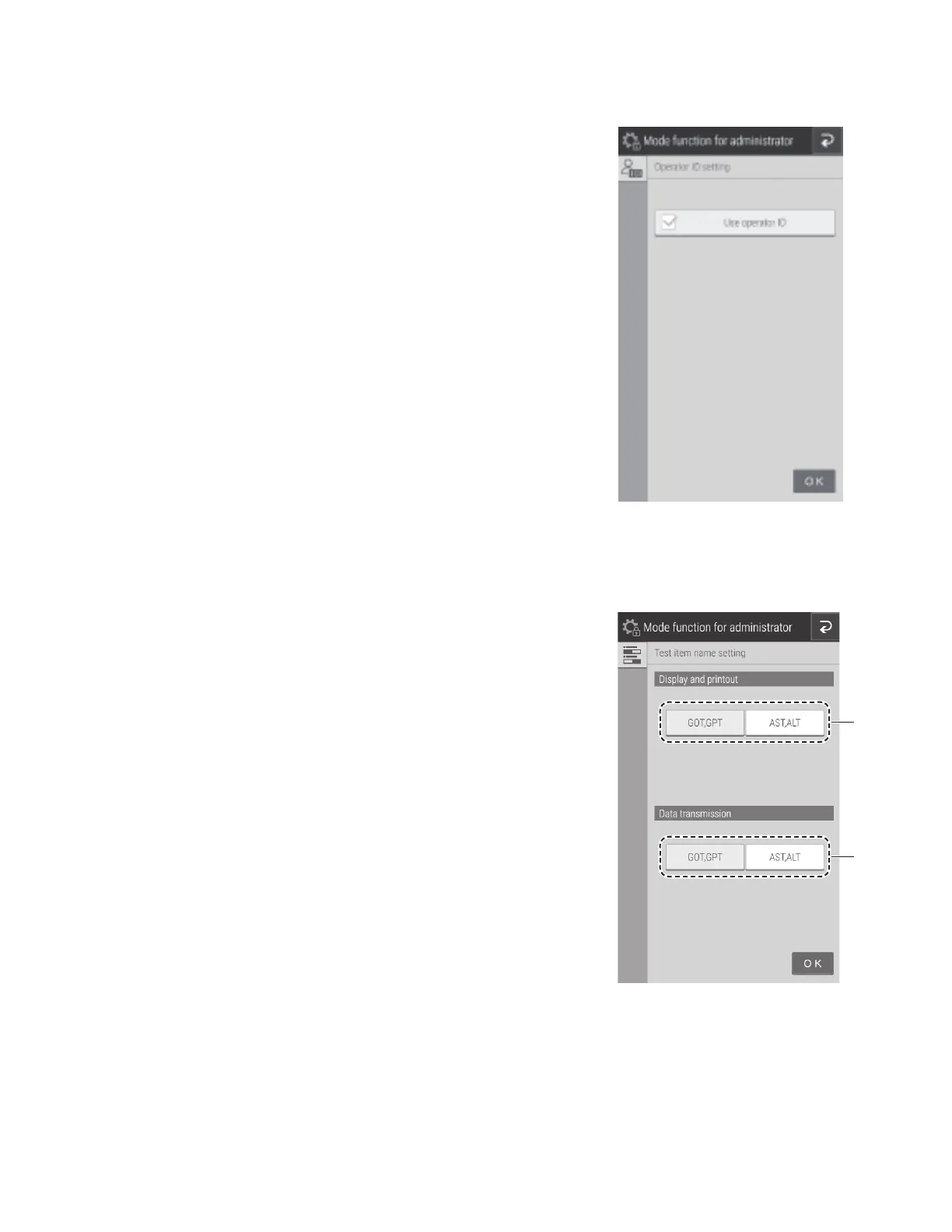
8.4.17 Test item name setting
Configure the display of item names. The names appear in the screen
display and printed paper of measurement results.
1. Choose the item names to be used for display and printing. Touch
either GOT, GPT or AST, ALT.
2. Choose the names to be used for external communication output to
the host computer. Touch either GOT, GPT or AST, ALT.
1
2
8.4.14 Operator ID setting
Configure whether to display the Operator ID at the Measurement
preparation screen and Measurement results screen.
To display the operator ID, touch the check box.
NOTE: By default, the check box is cleared (not-enabled).



 To Next Page