46
4.5 Editing Sample Numbers and Sample IDs
You can edit the sample number and sample ID of measurement results. You can also send edited data to a
host computer.
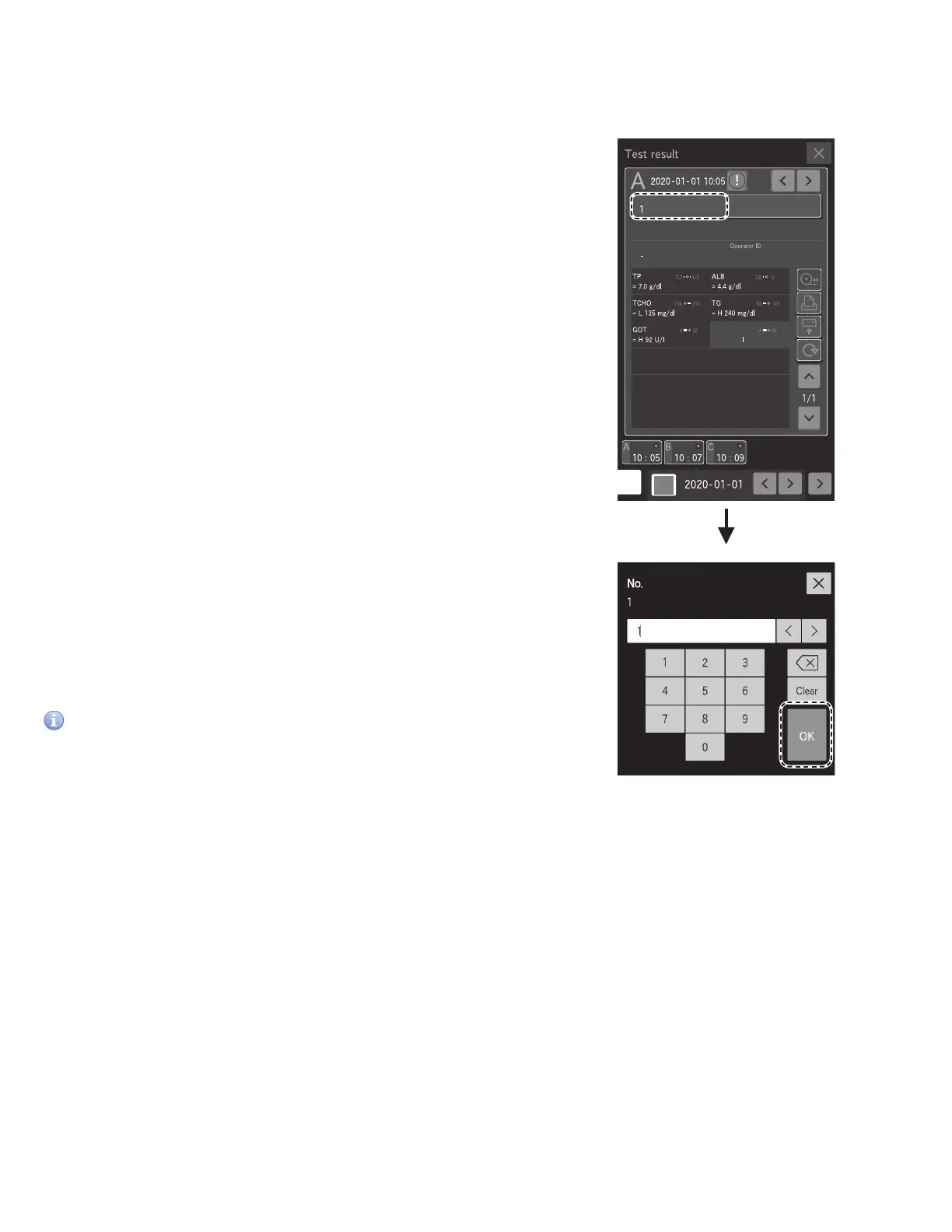
1. To edit the sample number, touch [No.] at the Measurement
results screen. Section 3.4
2. Enter the administrator password, then touch OK.
The Sample number entry screen appears.
3. Edit the sample number, then touch OK.
The analyzer returns to the Measurement results screen.
NOTE: You can also edit the sample ID using the same procedure.
IMPORTANT
Be sure not to make any entry errors.



 To Next Page