98
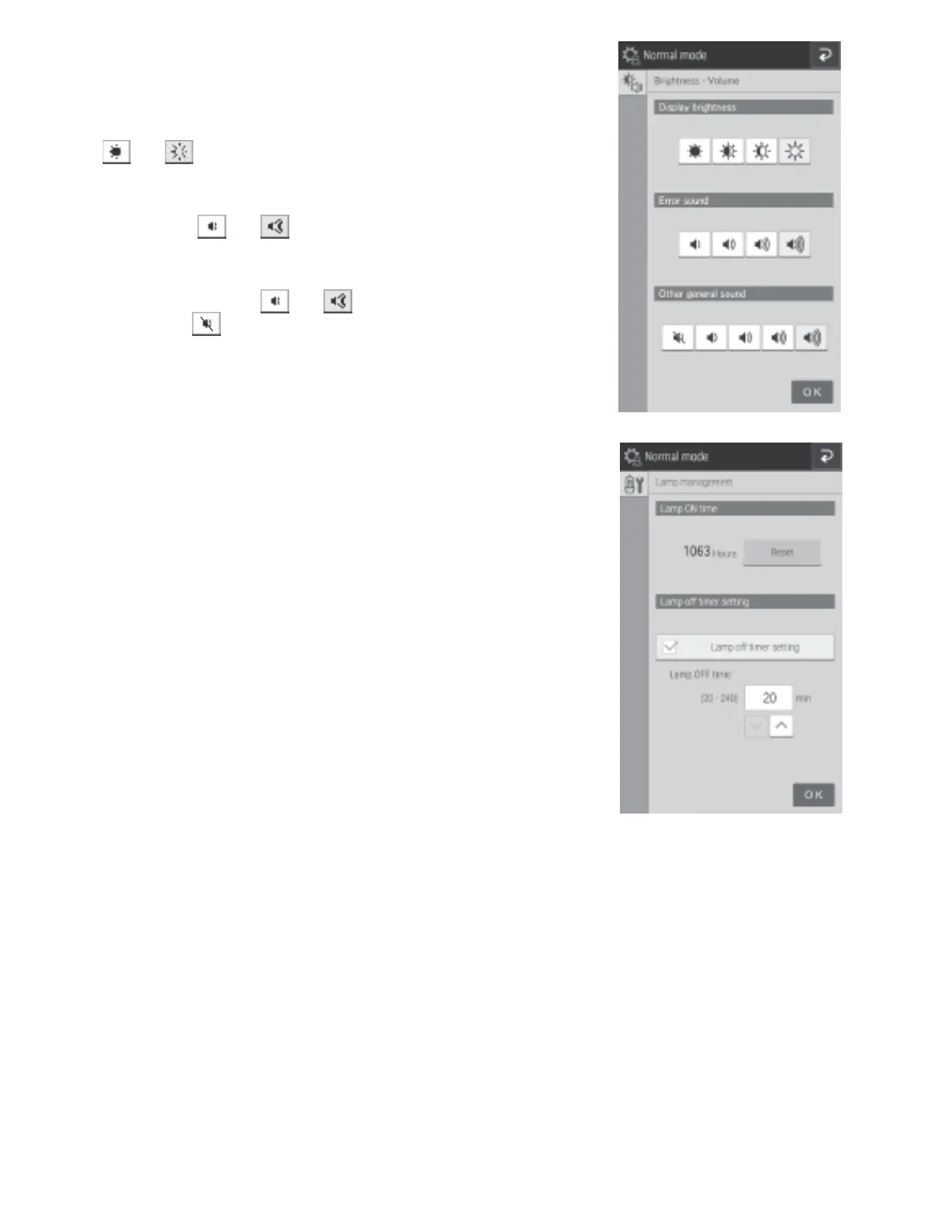
8.3.2 Brightness and volume
You can configure the brightness of the LCD and buzzer sounds
(error warning, measurement completed).
• Configure the brightness of the LCD using [Display brightness].
Use and to set the minimum and maximum
brightness.
• Configure the buzzer sound when an error occurs by using
[Error sound]. Use and set the minimum and
maximum.
• Configure the buzzer sound when measurement ends by using
[Other general sound]. Use and to set the minimum
and maximum. If is configured, the buzzer is muted.
8.3.3 Lamp management
Display and reset the cumulative illumination time of the lamp
currently installed in the analyzer.
• Check the cumulative illumination time by using [Lamp ON
time]. If the RESET is touched, the cumulative illumination
time is reset.
NOTE: Reset the cumulative illumination time of the lamp
after replacing the lamp.
• If the [Lamp off timer setting] check box is selected,
the lamp is switched off automatically after some time.
Configure the time until the lamp is switched off.
NOTE: The default setting is 20 minutes.
• The lamp should be replaced every 1,000 hours.



 To Next Page