108
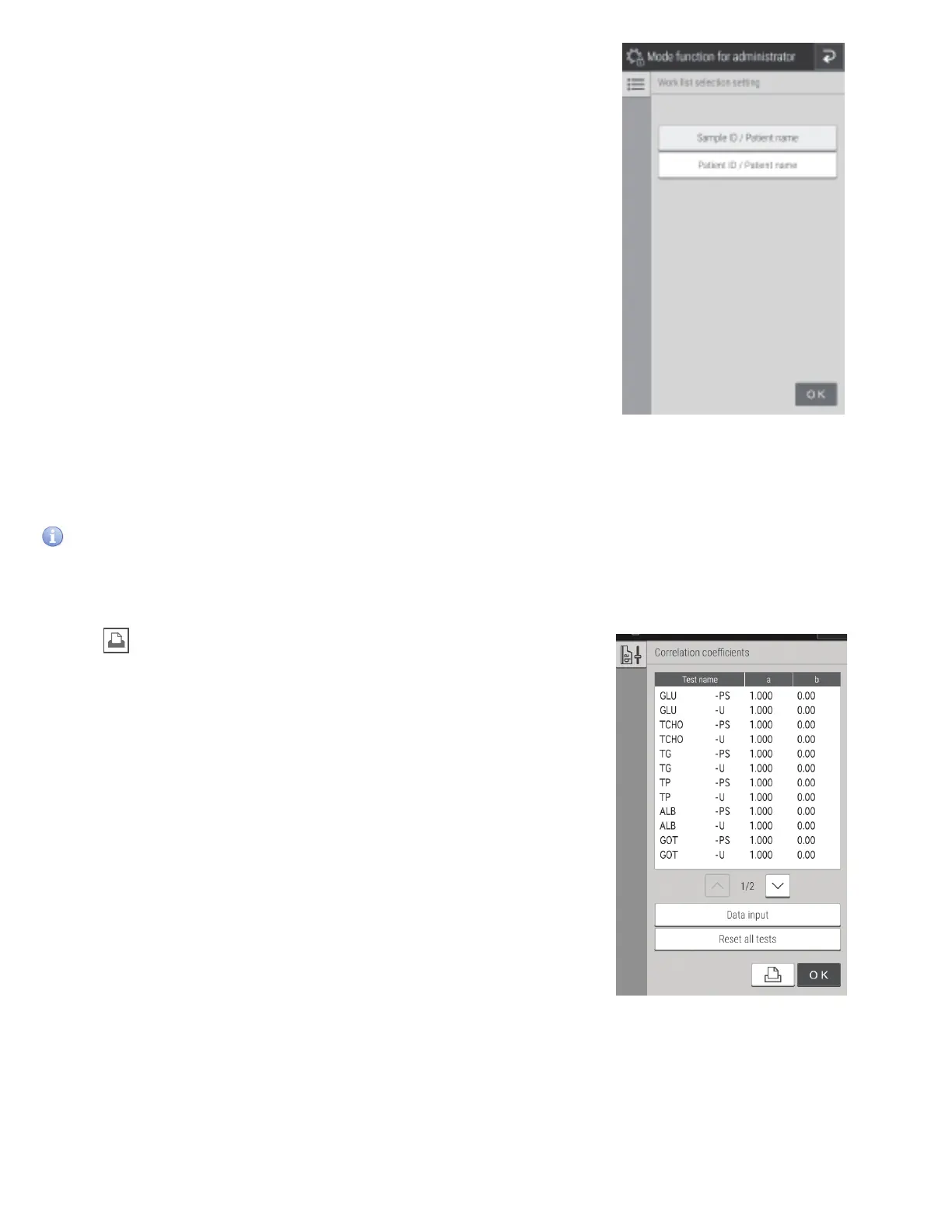
8.4.8 Work list selection setting
Configure whether to display the sample ID or patient ID
at the Work list index screen.
8.4.9 Correlation coefficients
Enter, reset, or print the correlation coefficients for each sample type ([P/S,W] or [U]). For details, refer to “Description of the
correlation function” on the next page..
IMPORTANT
Incorrect entry of “a” and “b” causes incorrect measurement results. Always make sure that the entries (a, b) are correct.
Touch DATA INPUT.
NOTE: If is touched, all correlation coefficient settings are
printed.
NOTE: If RESET ALL TESTS is touched, a reset confirmation screen
appears. To reset the correlation coefficients of all measurement
items, touch OK. To cancel the reset, touch CANCEL.



 To Next Page