109
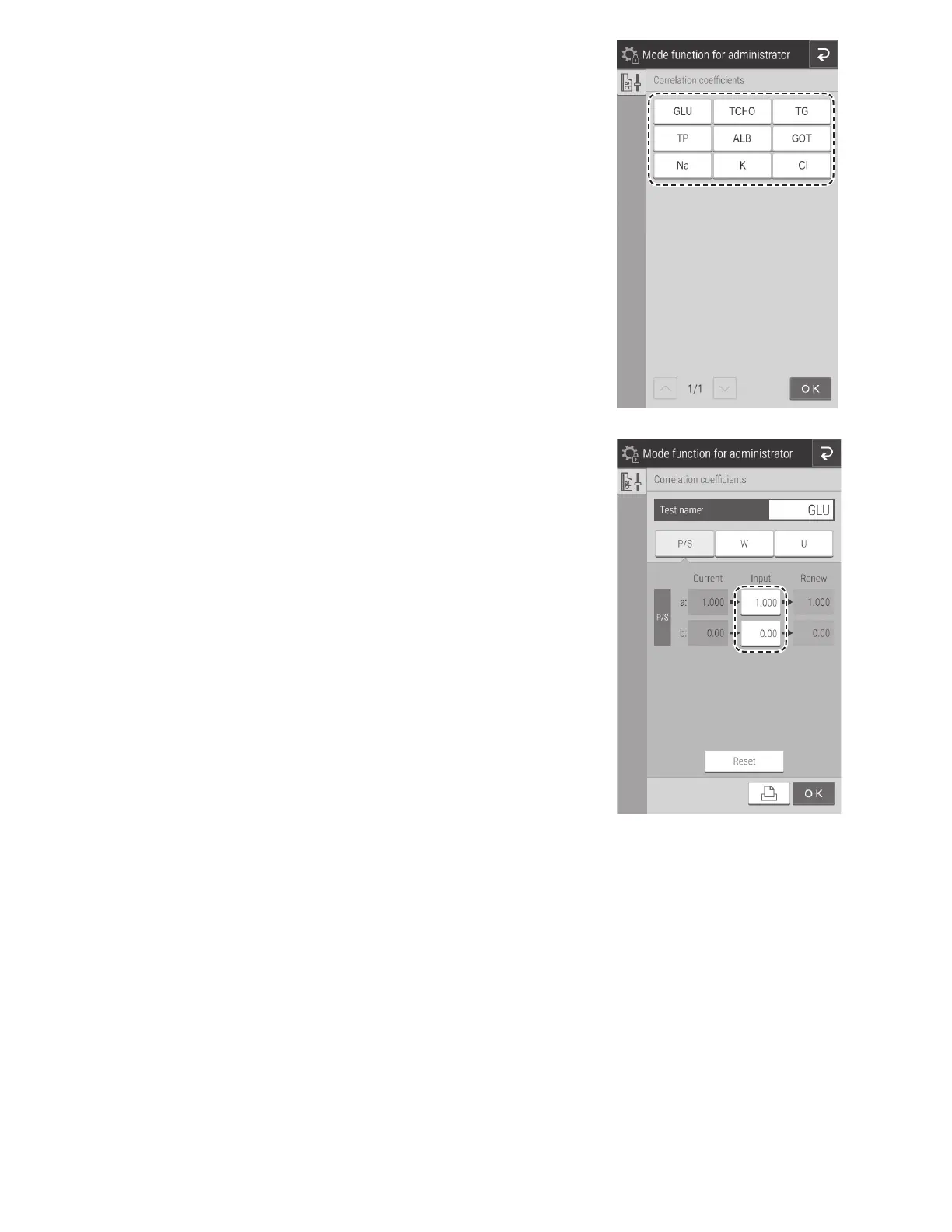
Touch the measurement item you want to edit.
NOTE: Only measurement items for which QC cards have been
read are displayed.
If the [Input] field of an item is touched, the software
keyboard appears so you can enter the value. Section 2.3
To change the sample type, touch [P/S], [W], or [U].
NOTE: If RESET is touched, a reset confirmation screen
appears. To reset the selected measurement items and the
correlation coefficients of the sample type, touch OK. To
cancel the reset, touch CANCEL.
NOTE: If values are entered for "a" and "b" when values
have already been entered, the current values are not
discarded, and corrections are also applied. For details, refer
to Description of the correlation function below.



 To Next Page