107
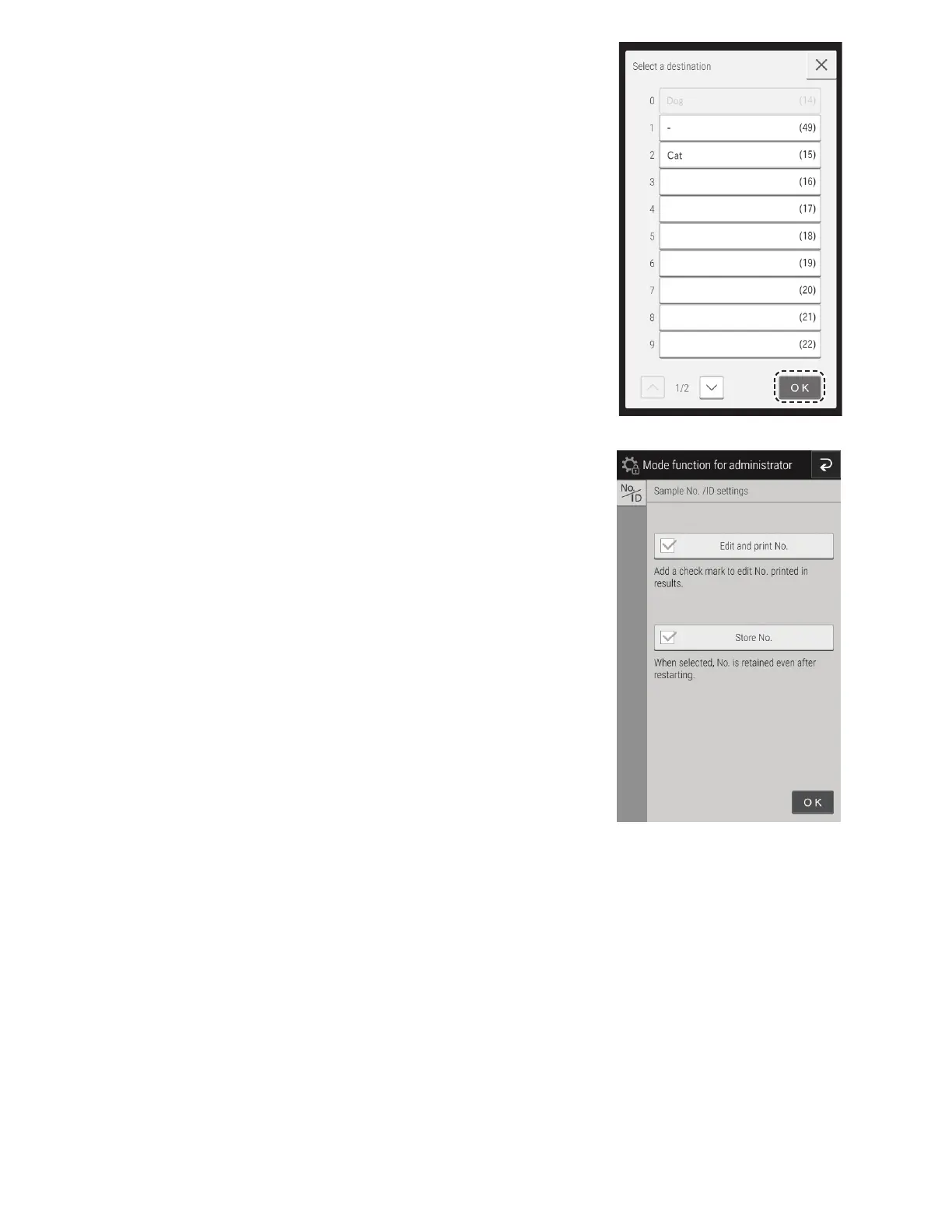
Touch the transfer destination of the test field to be configured
and then touch OK.
8.4.7 Sample No./ID settings
• Configure whether to display the sample number in the
measurement results under [Edit and print No.].
• Configure whether to record the sequence number of the
analyzer under [Store No.].



 To Next Page