100
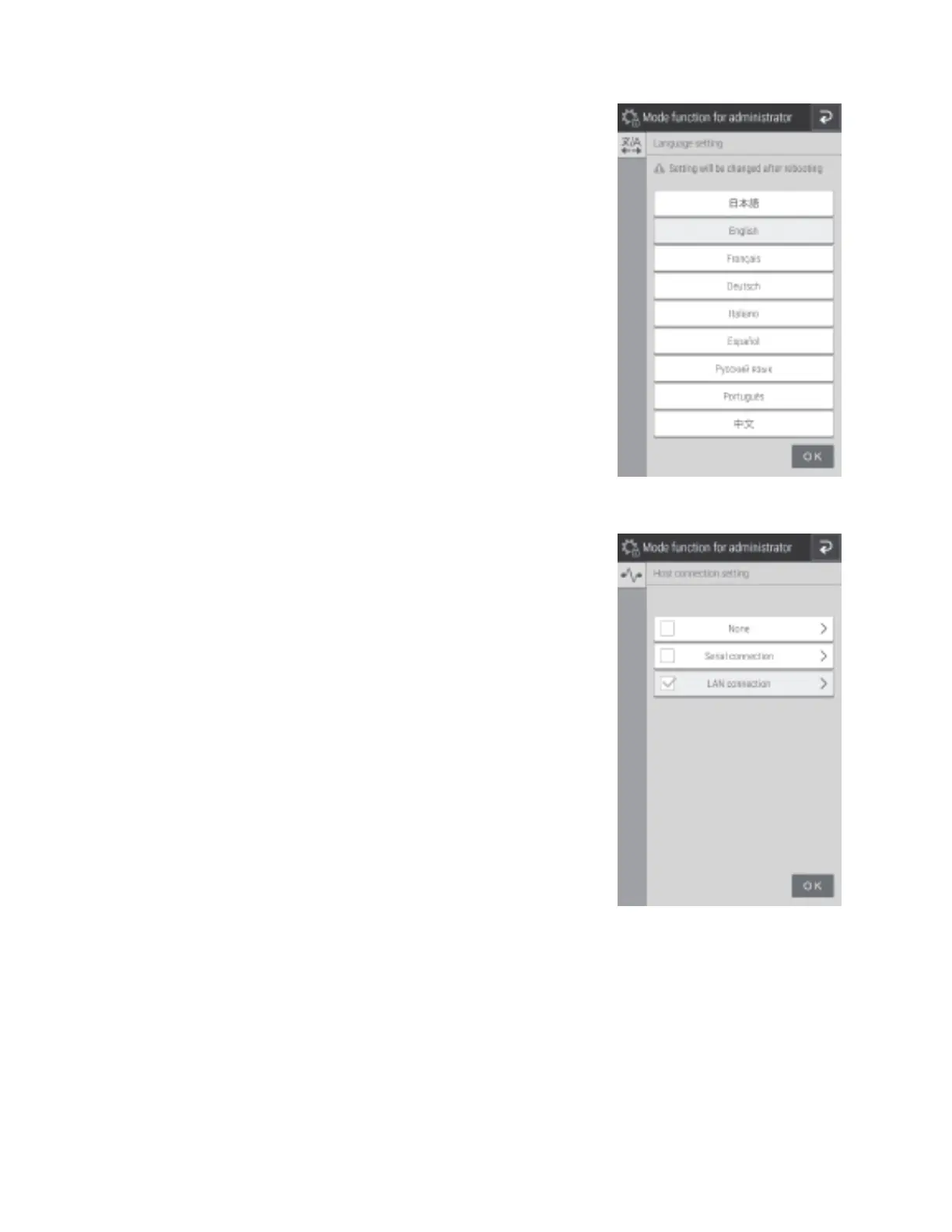
8.4.1 Language setting
Configure the language to be used.
1. Touch the language to be configured.
NOTE: After configuration, the analyzer shuts down once.
When the analyzer is started again, the settings are applied.
8.4.2 Host connection setting
Configure the connection terminal and communication
parameters to connect to the host computer (PC). Furthermore,
switch the built-in printer on or off.
• When you will not connect to a host computer, set [None].



 To Next Page