101
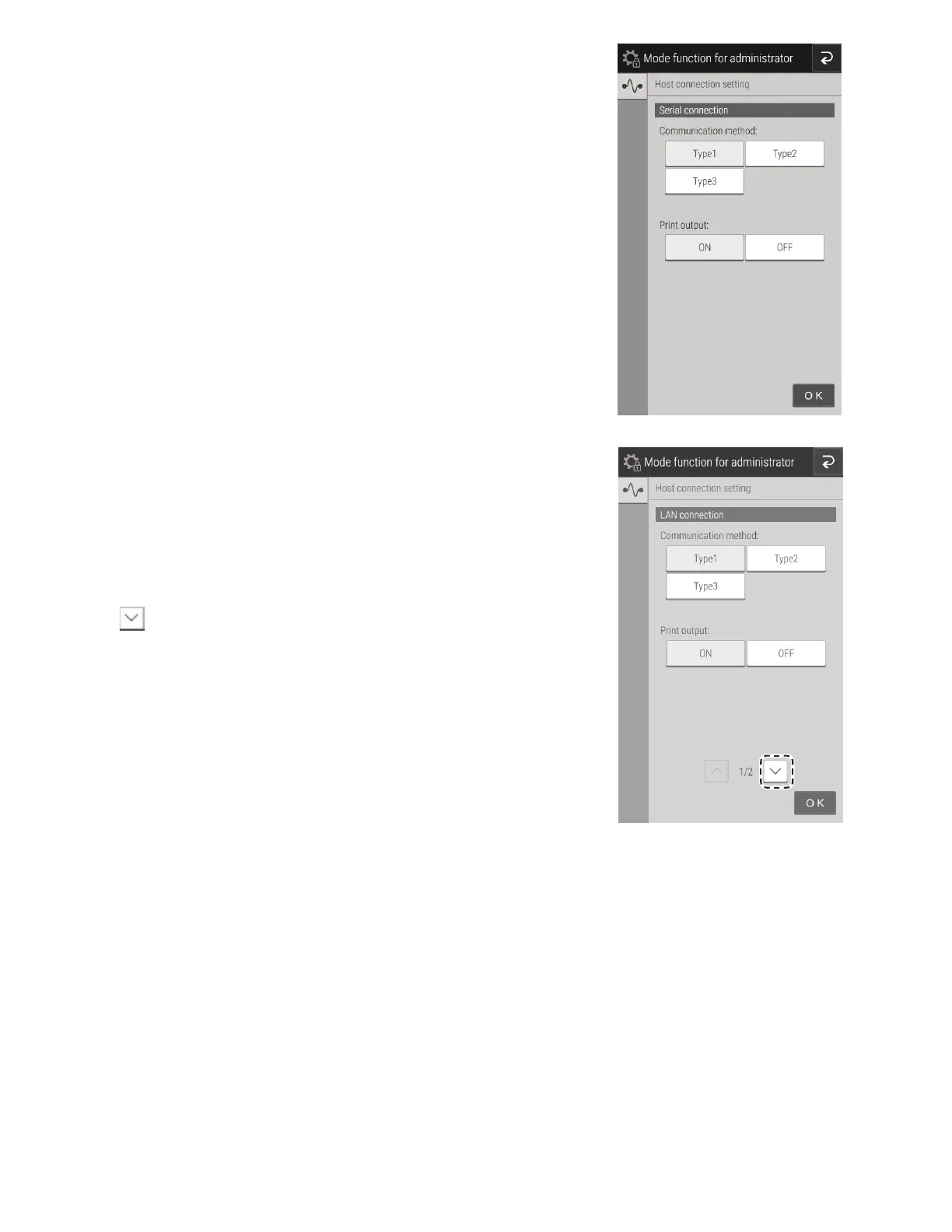
• If [Serial connection] is set, configure the communication
type and whether to output from the printer. You can choose
from 3 communication types.
- Type 1: Bidirectional connection
- Type 2: Unidirectional connection (bidirectional format)
- Type 3: Unidirectional connection (standard format)
NOTE: After configuration, the analyzer shuts down once. When
the analyzer is started again, the settings are applied.
• If [LAN connection] is set, configure the communication
type and whether to output from the printer. You can
choose from 3 communication types.
- Type 1: Bidirectional connection
- Type 2: Unidirectional connection (bidirectional
format)
- Type 3: Unidirectional connection (standard format)
• Touch and the LAN configuration screen appears. If an
entry field is touched, the software keyboard appears so
the value may be edited.



 To Next Page