32
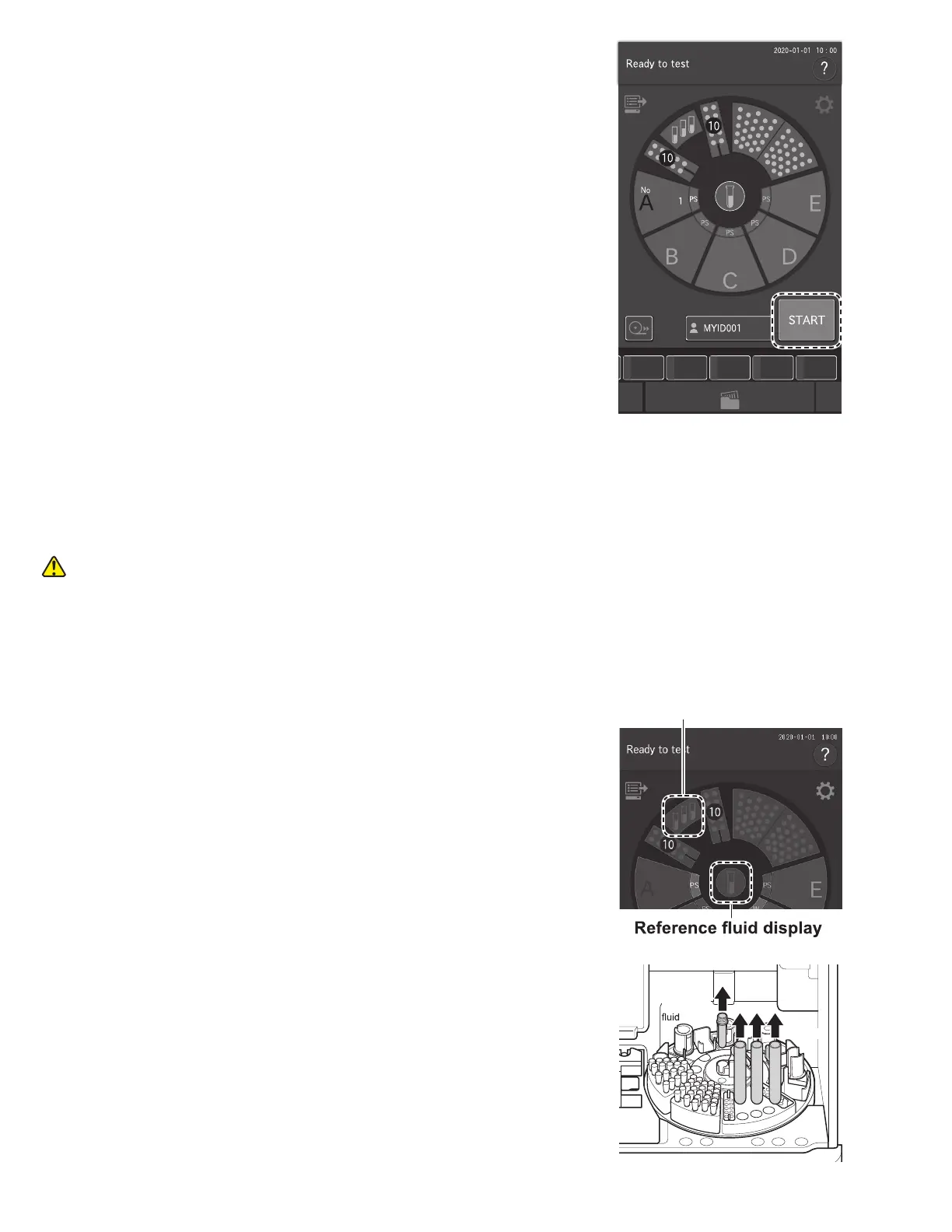
7. At the Measurement-preparation screen, touch START to
begin measurement.
Dilution is performed at the dilution factor specified for each
sample.
3.7 Powering off the Element DC5X Analyzer
1. Make sure that measurement and mode operation are not in progress.
CAUTION
Do not switch off the power during measurement or mode operation. Otherwise, the analyzer may malfunction. If the
power was shut off during measurement, load tips and other consumables, and then run the measurement again from the
start. Always replace mixing cups for dilution measurements.
2. Remove the samples.
3. Touch diluent display or reference fluid display on the LCD
to rotate the sample disk, and then remove the diluent and
reference fluid from the analyzer.
After removing the items, touch FINISH to rotate the sample
disk again.
Reference
Diluent
Diluent display



 To Next Page