49
Element DC5X
Veterinary Chemistry Analyzer
5.1 Loading Consumables
To load consumables, touch the display of each consumable to display the loading screen. When the consumable loading is
complete, touch FINISH to exit.
NOTE: If there are not enough consumables (tips, mixing cups, diluent, reference fluid, etc.), sample application may be
interrupted or canceled.
NOTE: Load consumables while the analyzer is not applying samples.
5.2 Setting Tips
Tips are required for all measurements. Check the number of remaining tips on the LCD before performing measurements. If
necessary, add new tips.
WARNING
If the analyzer is applying samples, touch PAUSE to interrupt application (Section 4.1), and then load the tips. It is unsafe to
set tips during sample application due to the moving parts of the sampler unit and the sample disk.
Section 5: Loading Consumables
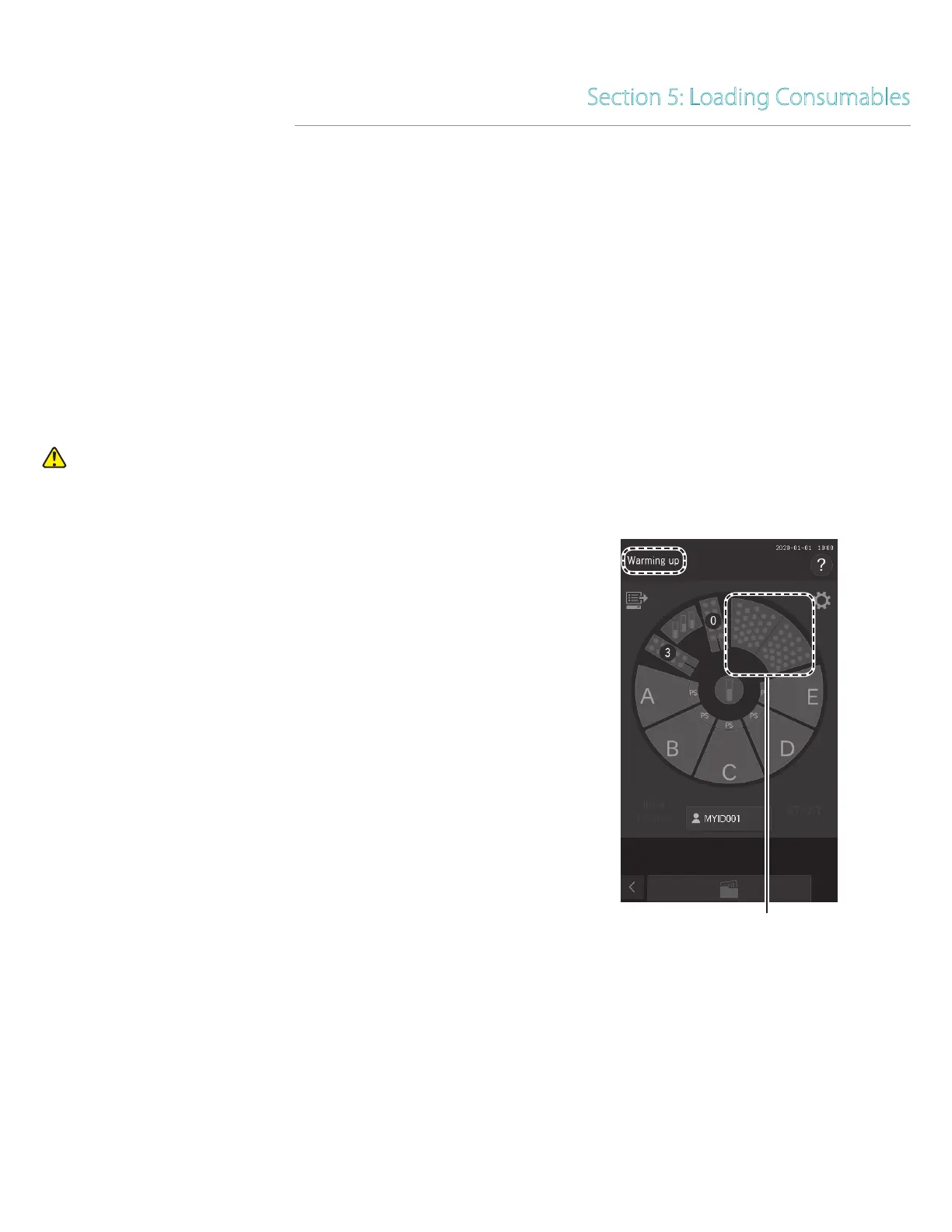
1. Make sure [Warming up], [Lamp warming up] or [Ready
to test] displayed on the LCD. Make sure that the analyzer
is not applying samples.
2. Touch the tip display on the LCD.



 To Next Page