99
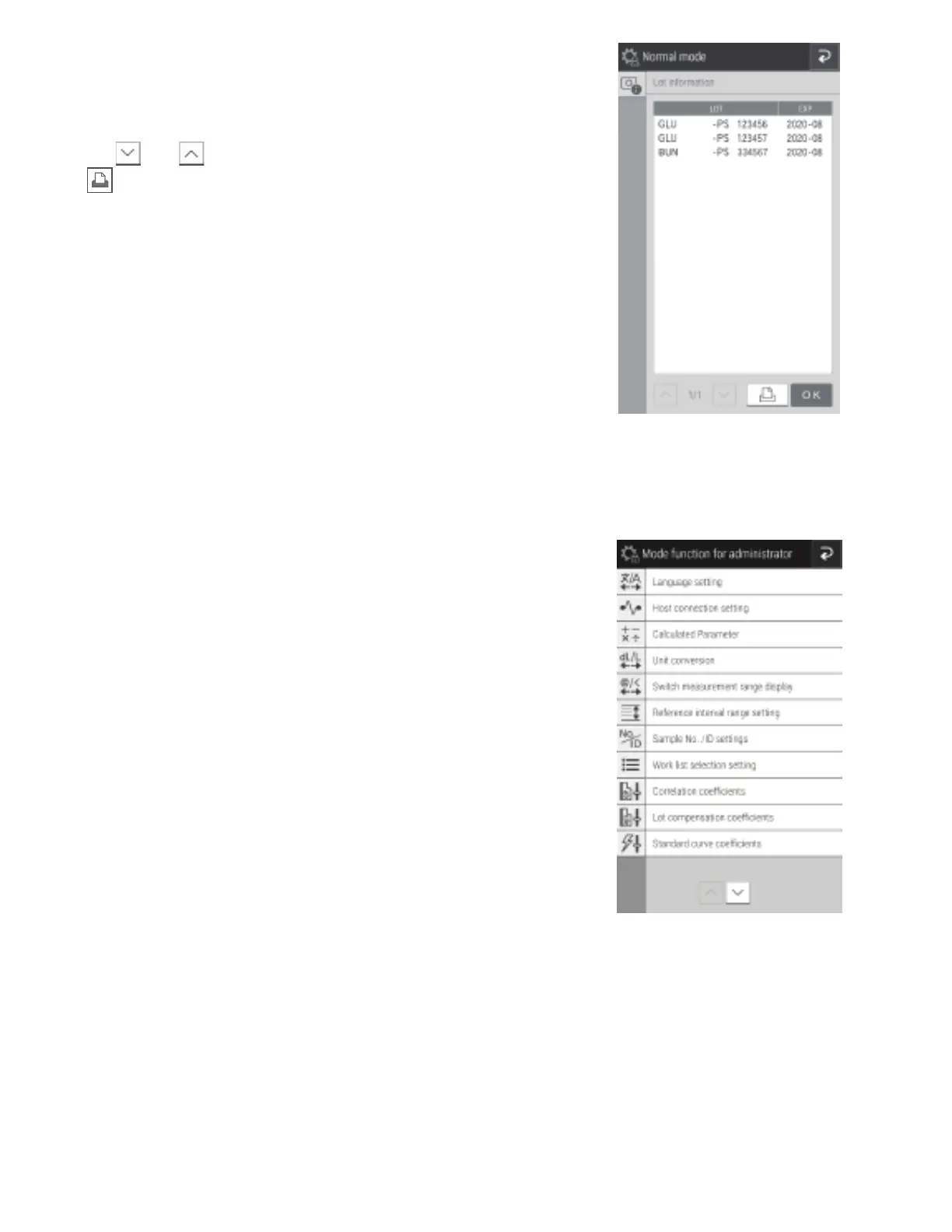
8.4 Mode Function for Administrator
NOTE: To display Mode function for administrator, open the Function menu page, touch MODE FUNCTION FOR
ADMINISTRATOR, then enter the password.
8.3.4 Lot information
The screen displays the lot information of currently registered QC
cards. You can also print all currently registered lot information.
• When there are two or more pages that can be displayed,
touch and to scroll pages.
• If is touched, all currently registered lot information is
printed.
NOTE: Up to five lots are registered for one test.



 To Next Page