112
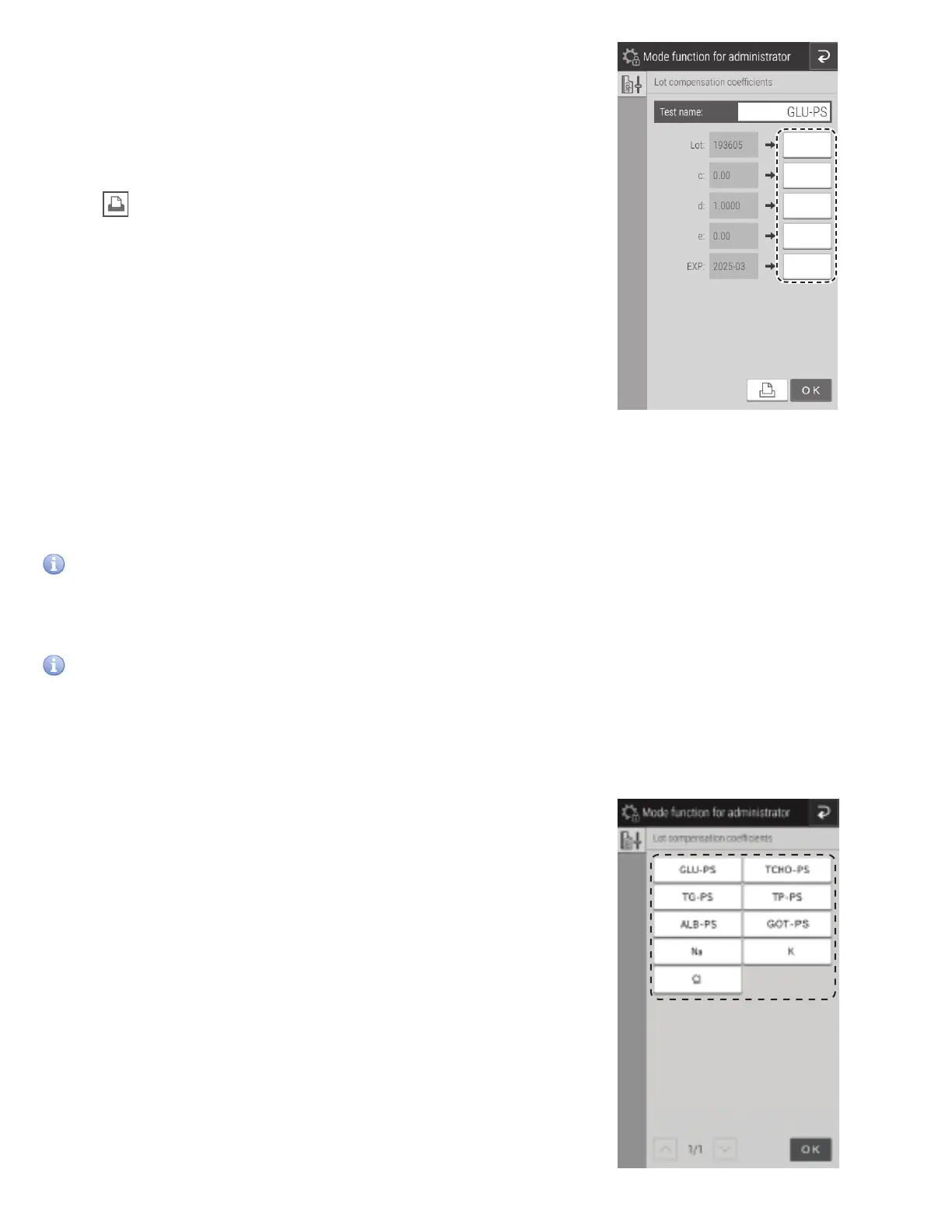
If the [Input] field of an item is touched, the software keyboard
appears so you can enter the value. Section 2.3
NOTE: The most significant digit of a [Lot] number (the type
number) is fixed. Enter from the second digit.
NOTE: Incorrect entries will cause incorrect measurement results.
Always make sure that the displayed values are correct.
NOTE: If is touched, all lot compensation coefficient settings
are printed
NOTE: For the expiration date for use (EXP), enter xxxx-xx (four
digits for the year and two digits for the month). Also enter the
hyphen (-).
8.4.10 Lot compensation coefficients
Enter the lot compensation coefficients (c, d, and e) printed on the QC cards of slides. This mode is needed if it is not possible
to read the data directly because the QC card was lost or damaged.
It is only possible to enter coefficients for boxes of individual slides. This is not possible on boxes of panels.
IMPORTANT
Incorrect inputs for (c, d, and e) will cause incorrect measurement results.
Make sure that the inputs for (c, d, and e) are correct using this mode.
IMPORTANT
When the slide type number was changed, even if the new values (c, d, and e) are entered by us-ing this setting, the new
standard curve information will not be updated. It is necessary to read the QC card when the slide type number was
changed.
The slide type number is the most significant digit of a lot number.
(Example) The slide type number of “Lot No.123456” is 1.
Touch “Measurement item - sample type” you want to edit.
NOTE: Only “Measurement item - sample type” items that have
been read from QC cards are displayed as buttons.
NOTE: Measurement items are displayed in ascending order of test
code.



 To Next Page