51
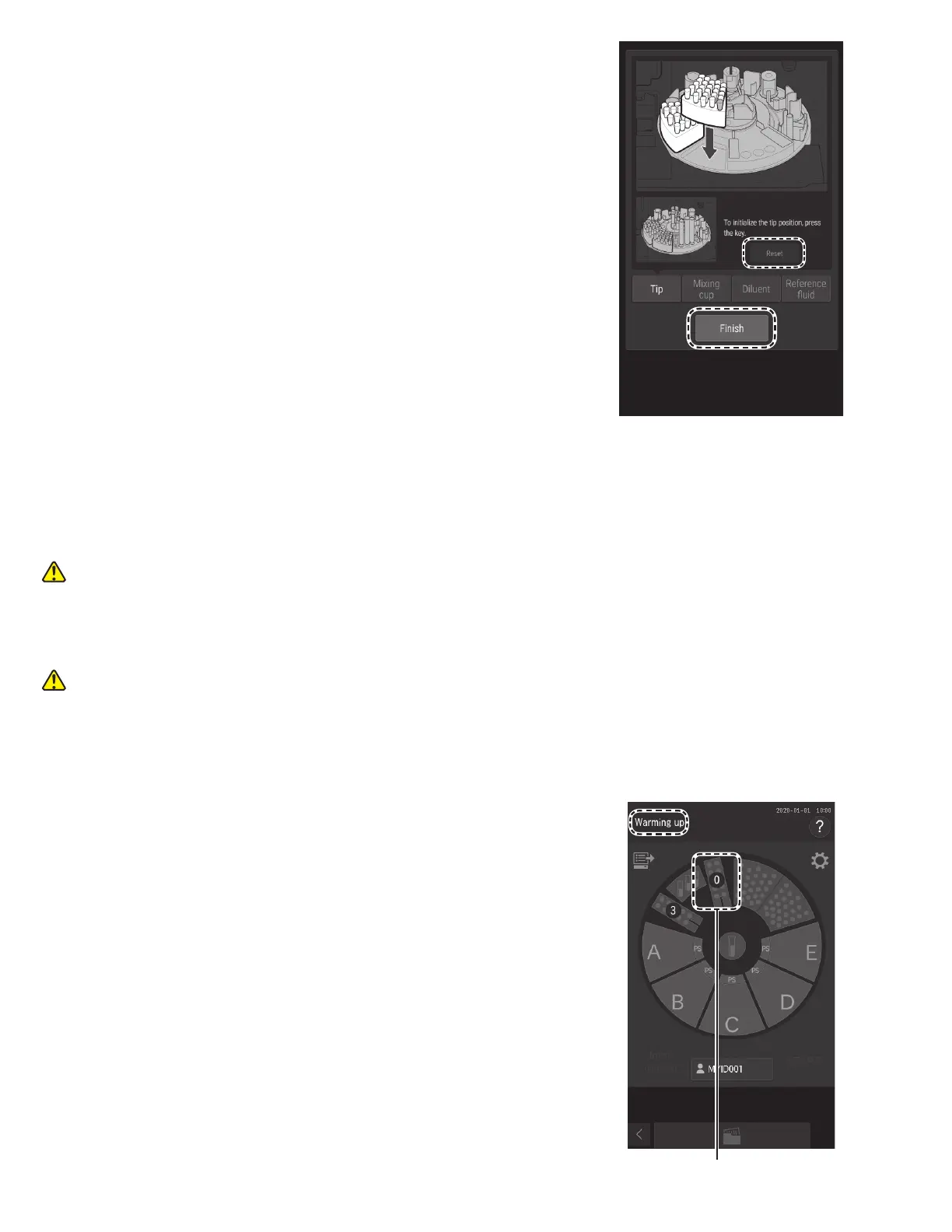
7. To initialize the tip usage position, touch RESET.
8. Touch FINISH to exit.
The sample disk turns, and the sample rack is moved to the
front.
5.3 Loading Mixing Cups
Mixing cups are necessary for measurements requiring dilution (Section 3.6). Check the quantity of mixing cups on the LCD
before measurement. If necessary, load new mixing cups. Each measurement uses one mixing cup. If no mixing cups remain,
a dilution cannot be run.
WARNING
When the analyzer is applying samples, touch PAUSE to interrupt sample application (Section 4.1), and then load the
mixing cups. It is unsafe to set mixing cups during sample application due to the moving parts of the sampler unit and the
sample disk.
WARNING
Always wear gloves when handling used mixing cups to avoid biohazards.
NOTE: The quantity of mixing cups that can be used is displayed on the LCD. When the amount remaining is insufficient, a
dilution measurement cannot be performed.
1. Make sure [Warming up] or [Ready to test] displayed on the LCD.
Make sure that the analyzer is not applying samples.
2. Touch mixing cup display on the LCD.
Mixing cup display



 To Next Page