37
Element DC5X
Veterinary Chemistry Analyzer
Section 4: Applicable Usage Methods
4.1 Interrupting Sample Application and STAT Tests
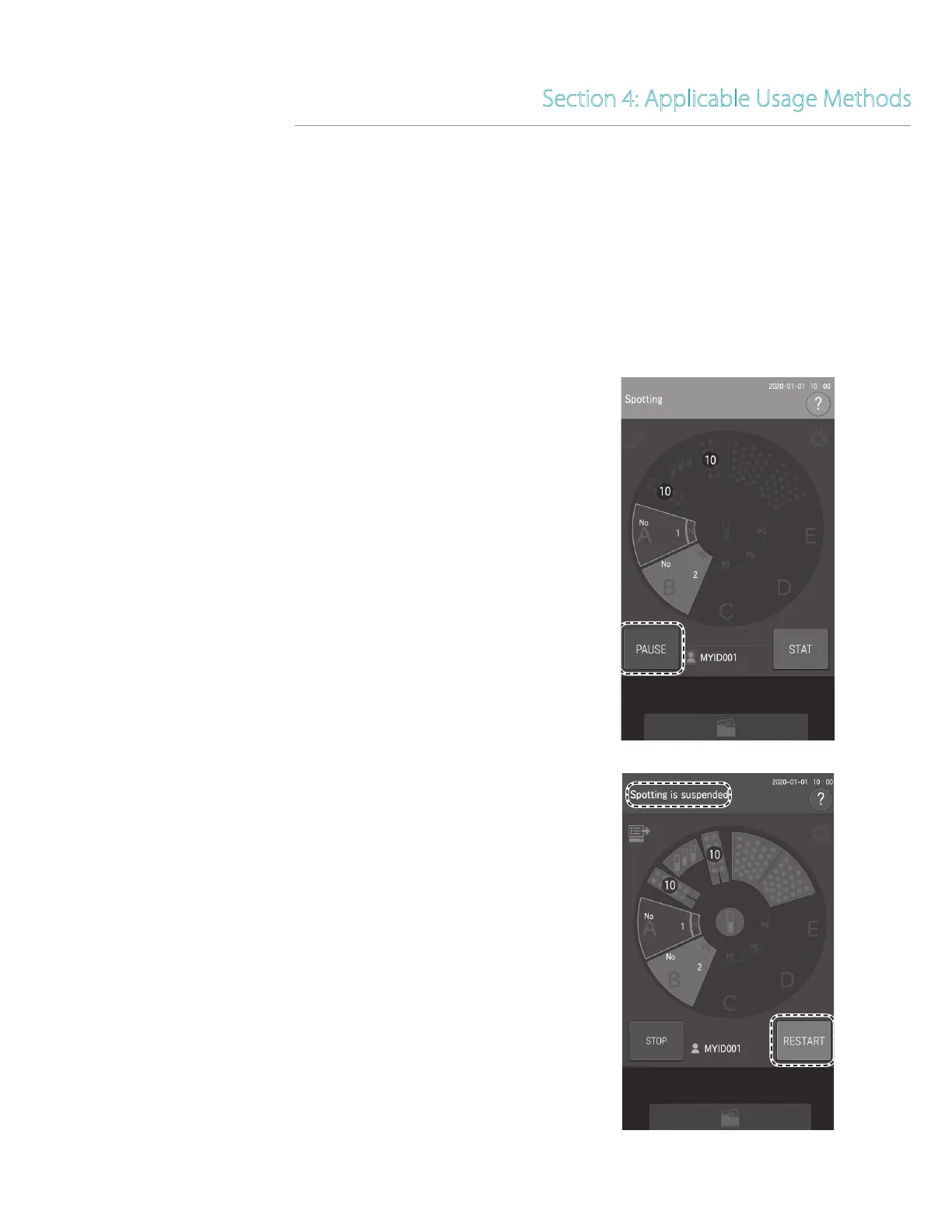
Before adding consumables during sample application, touch PAUSE to interrupt sample application. When the analyzer has
run out of tips during sample application, the analyzer stops (as when PAUSE was touched). In this paused state, you can
display the loading screen by touching the display of each consumable. You can cancel the remaining sample application by
touching PAUSE in this paused state. (The measurement of slides with sample applied continues.)
4.1.1 Interrupting and canceling sample application
1. Interrupting sample application.
Touch PAUSE.
The LCD changes to [Spotting is suspended]. The sample rack
display interrupted during sampling continues to flash.
NOTE: When sample application is interrupted, the tip in use is
discarded.
NOTE: To restart after pausing, touch RESTART.



 To Next Page