36
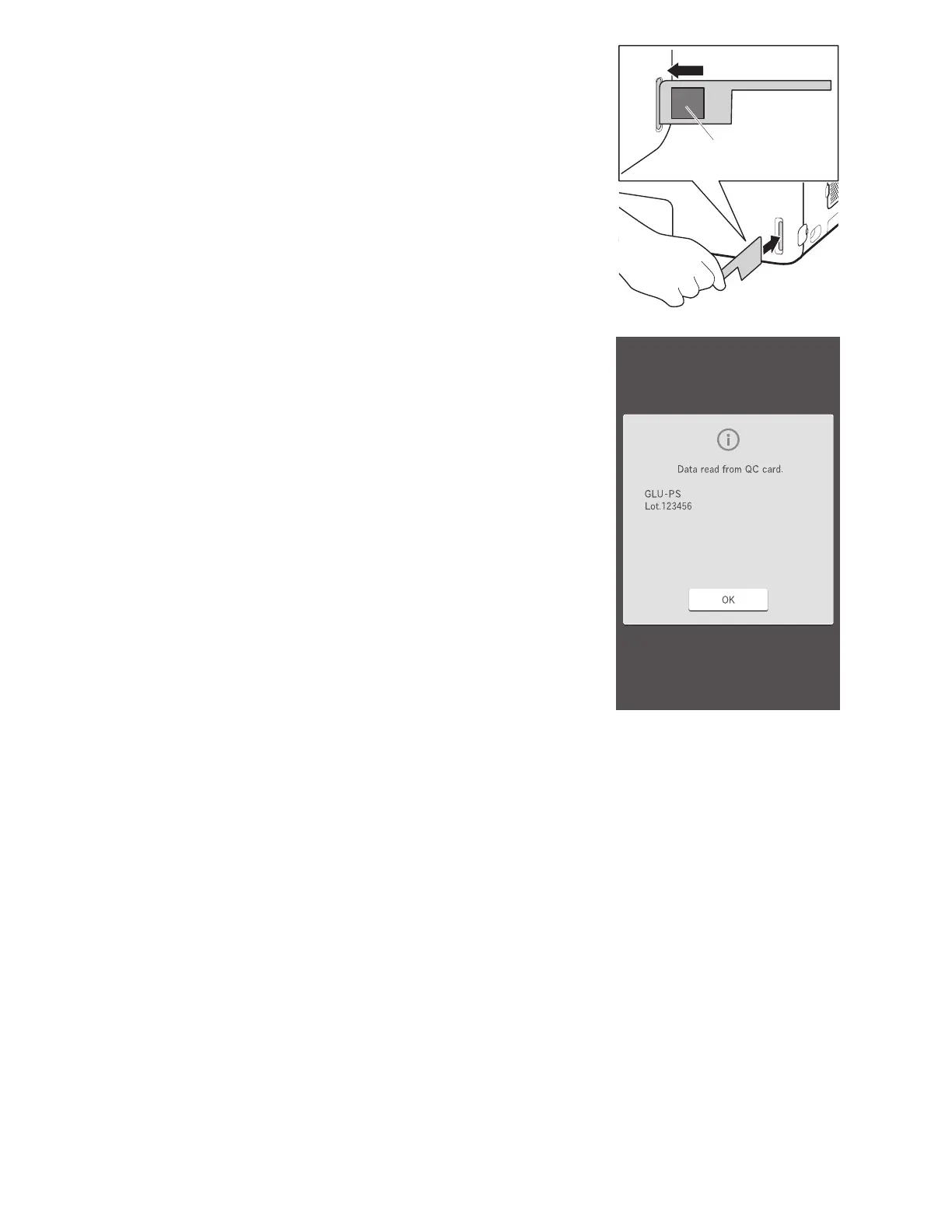
Set the QR code on the left side, and then insert the QC card into
the card reader fully.
NOTE: If the QC card is dirty or folded, the read error may occur.
QR code
The slide test and production number (lot) are displayed on the
LCD and output to the printer as well.
NOTE: Do not insert another QC card while the slide test and lot
number are displayed.
NOTE: When the analyzer beeps and the test is not displayed, insert the
QC card into the card reader again.
NOTE: A QC card cannot be read when the analyzer is in a
measurement request state, and the sample rack display is blinking in
green.



 To Next Page