48
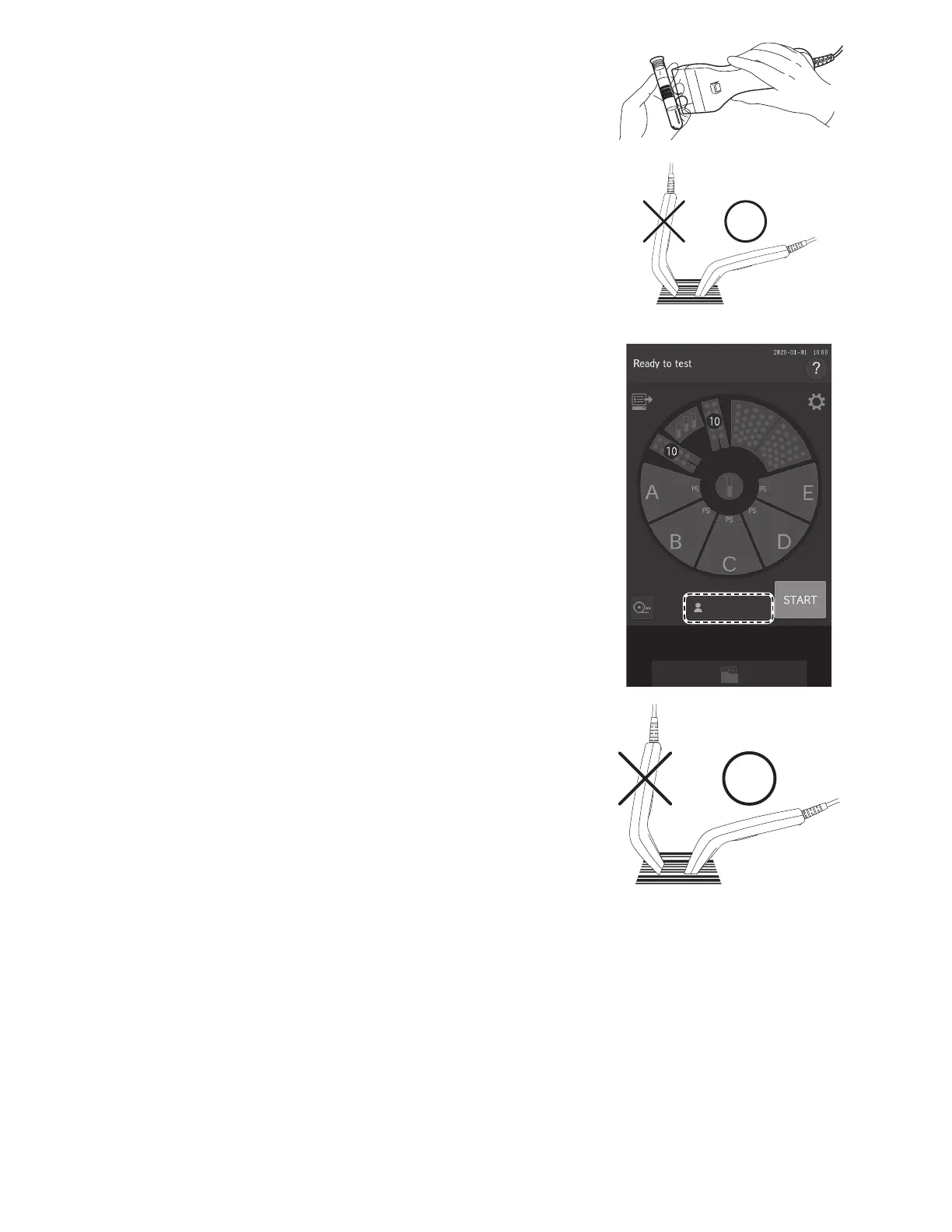
3. Read the barcode of the sample using the barcode reader.
After reading is complete, the analyzer makes a beep sound. The
Sample ID is displayed on the LCD for the selected sample, and
the request information is registered.
NOTE: Position the sample barcode reader properly facing the barcode
label. Otherwise, an incorrect reading may occur.
NOTE: Make sure the displayed ID is correct.
NOTE: When reading a barcode again, touch the sample rack display
to be changed first.
4. Touch OK to enter the sample ID.
The Measurement Preparation screen appears.
4.6.1 When inputting the operator ID
1. Touch OPERATOR ID. The software keyboard appears.
2. Read the operator ID using the sample barcode reader.
After reading is complete, the analyzer makes a beep sound. The
operator ID is displayed on the LCD and registered.
NOTE: Position the sample barcode reader properly facing the
barcode label. Otherwise, an incorrect reading may occur.
NOTE: Make sure the displayed ID is correct.
NOTE: To re-input a barcode, touch OPERATOR ID, and then
re-read the barcode.



 To Next Page