31
STOP
0
3
A
B D
C
E
MYID001
..0160503010
..0160503009
STOP
0
3
A
B D
C
E
MYID001
..0160503010
..0160503009
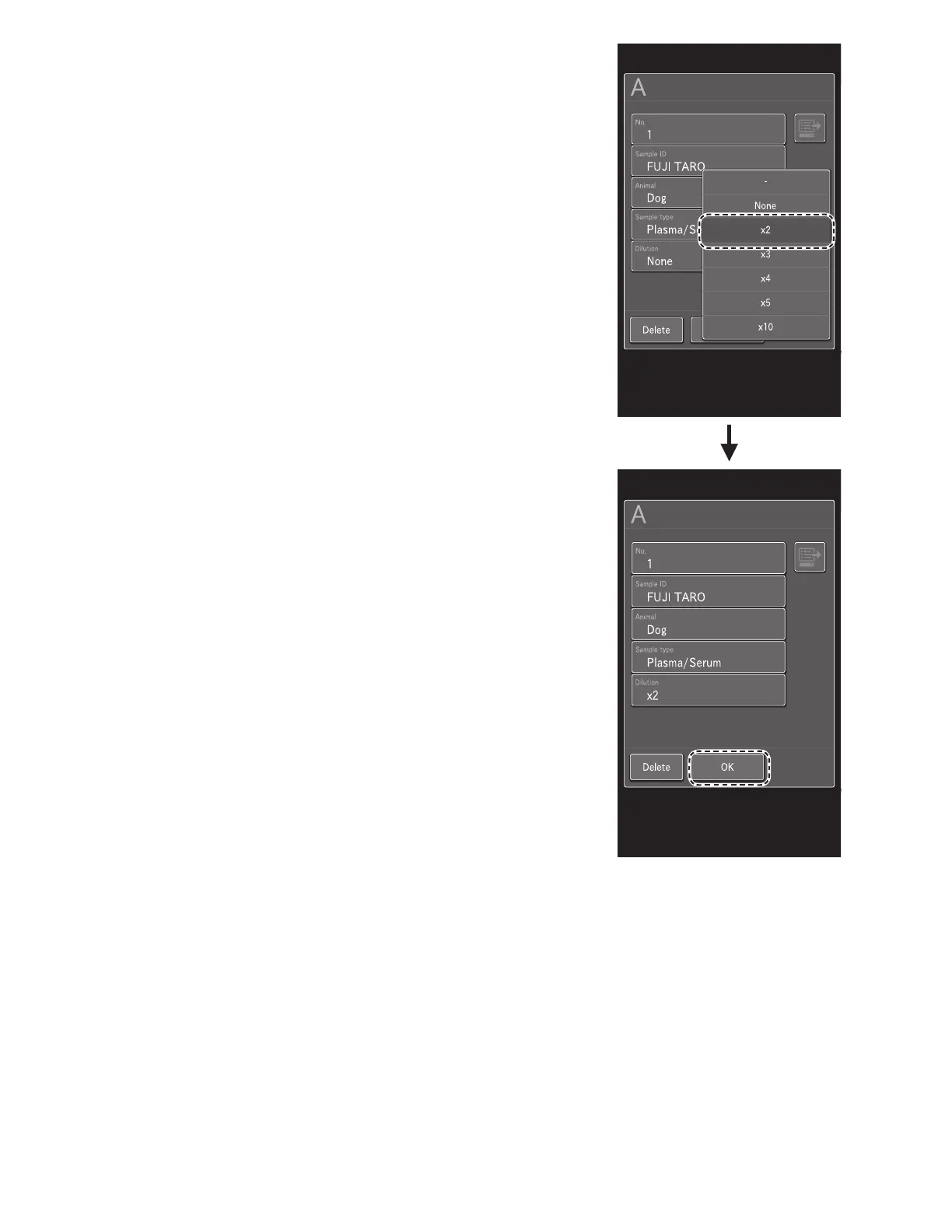
4. In the list, touch x2.
• Dilution is performed according to [Dilution setting] in
Mode function for administrator.
None : No dilution
NOTE: If necessary, enter or choose other sample information.
5. Touch OK to finish Sample A configuration.
6. Close the sample cover.



 To Next Page