114
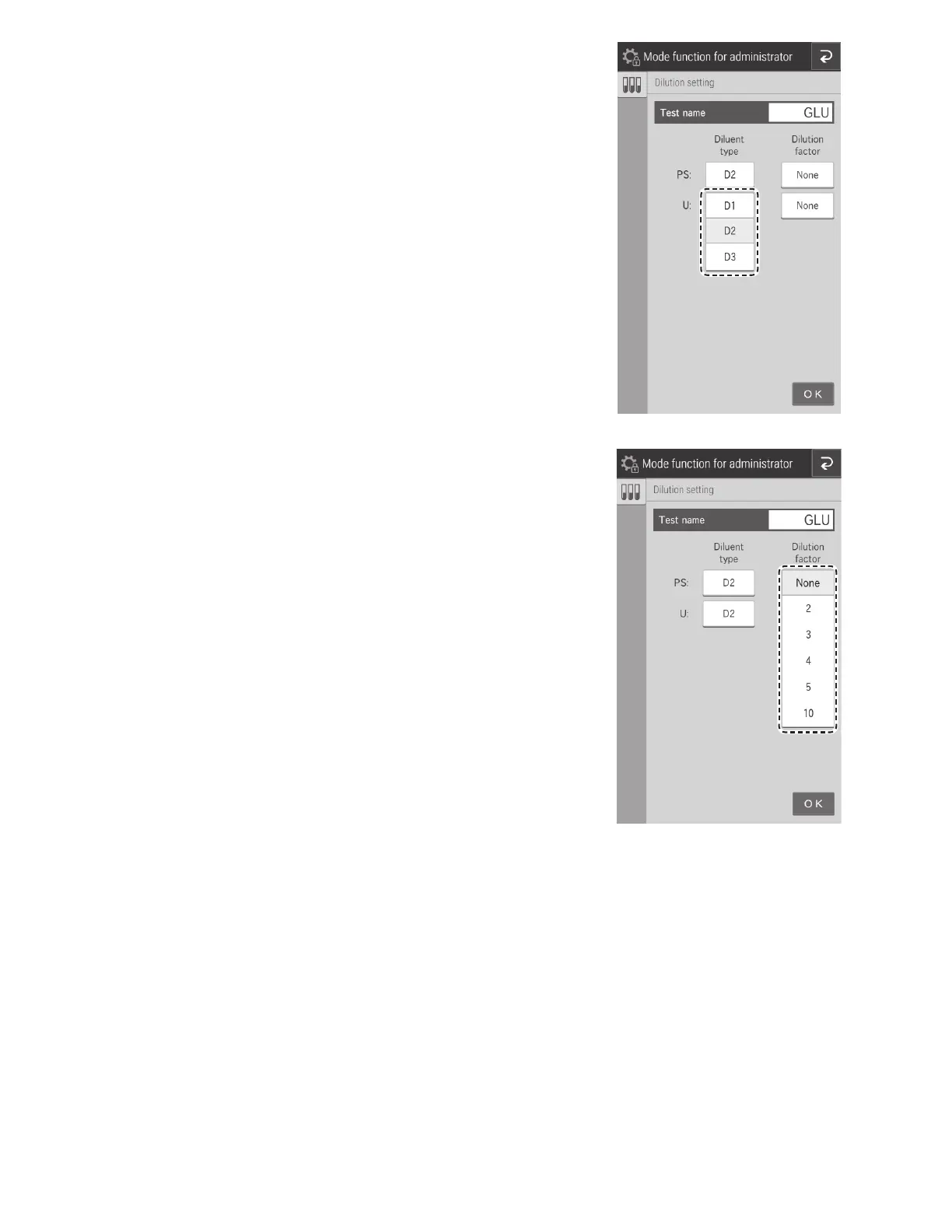
3. For the sample type (liquid type), touch a button, and
then select from [D1], [D2], or [D3].
NOTE: D2 is the default for PS and should not be
changed.
4. For the dilution factor, touch a button, and then select
from [None], [2], [3], [4], [5], or [10].



 To Next Page