27
1
3
2
2.
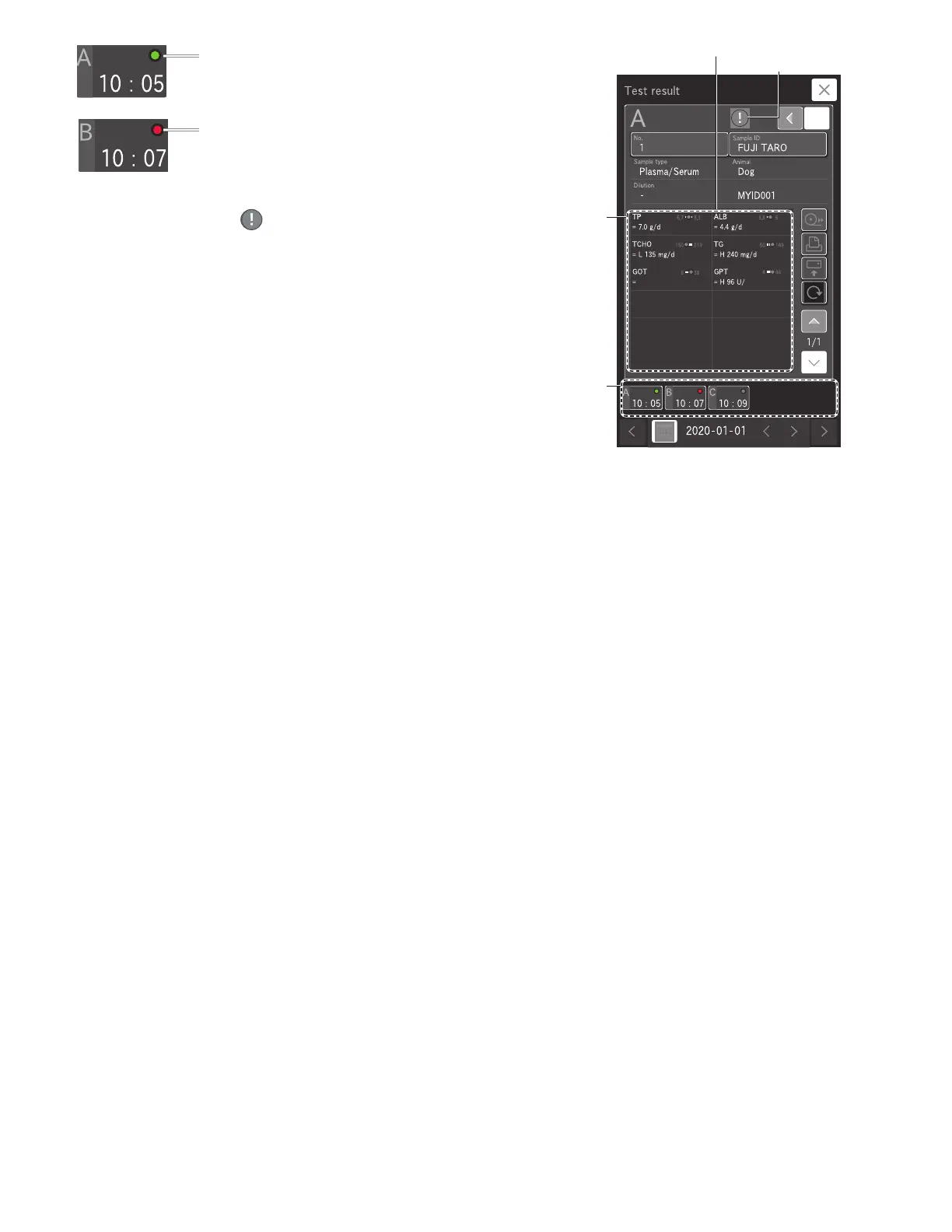
3. Measurement results that include a value outside the reference
interval are indicated by , and the corresponding test name
and value become red. If touched, the details screen appears.
NOTE: If measurement items that display H, L, #, or other characters
are touched, the details screen appears.
Result data display area
1
3
2
Result data display area
1
3
2
Green: All measurement results are
within reference interval
Red: There is a result outside
the reference interval



 To Next Page