43
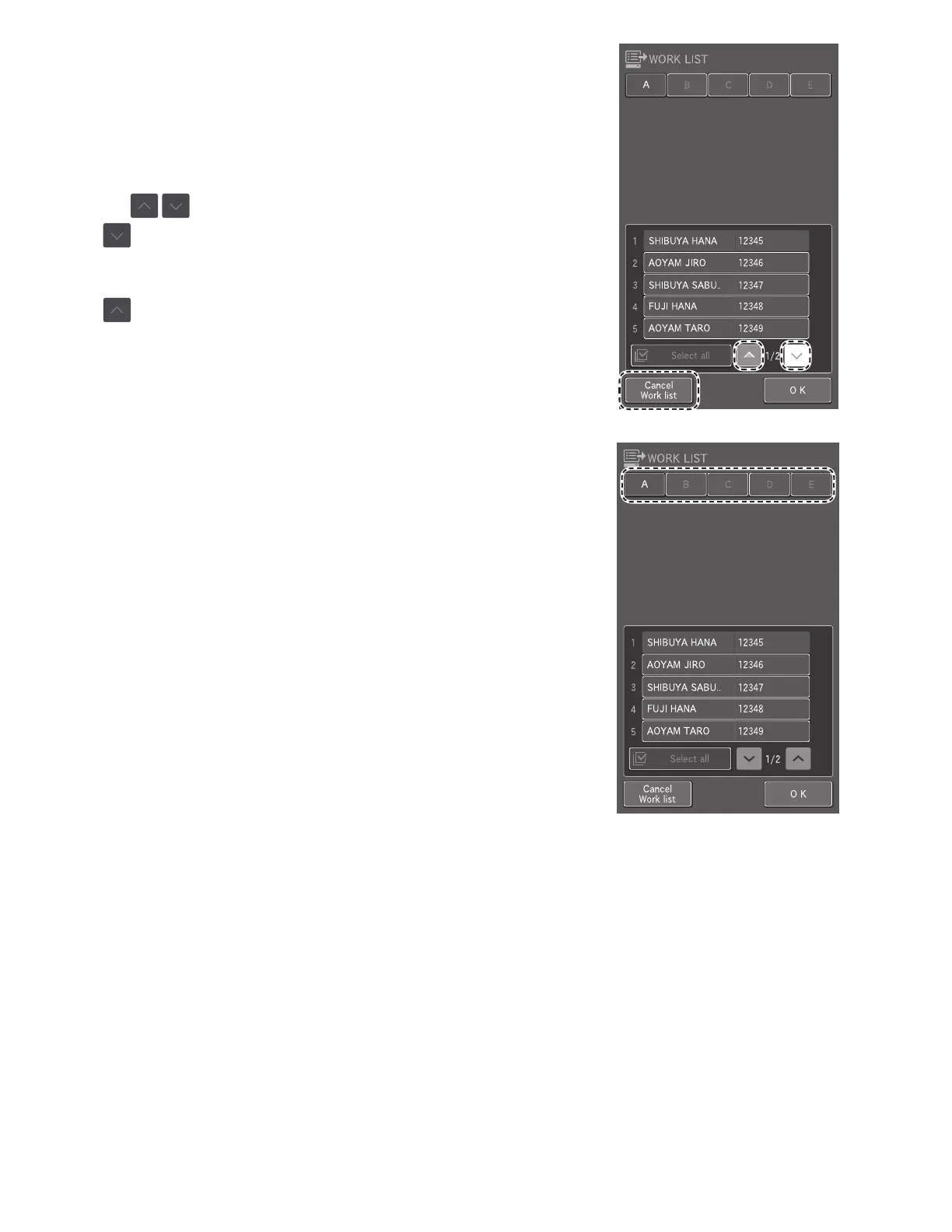
The Work List index screen appears.
NOTE: If there are no measurement requests, the buzzer sounds, and
the message [There is no request information] is displayed.
NOTE: The display of the list is configured by [Work list selection
setting] in Mode function for administrator. Section 8.4.8
NOTE: When there are multiple pages in a list, you can scroll the
pages using .
NOTE: If is touched while the last sample information record
is displayed, the sample information of the next sample number is
received.
NOTE: If is touched when the first sample information record is
displayed, all sample information is received.
NOTE: If CANCEL WORK LIST is touched, the analyzer returns to the
Measurement preparation screen.
2. Touch the sample rack for which you want to register sample
information.



 To Next Page