56
Sealing
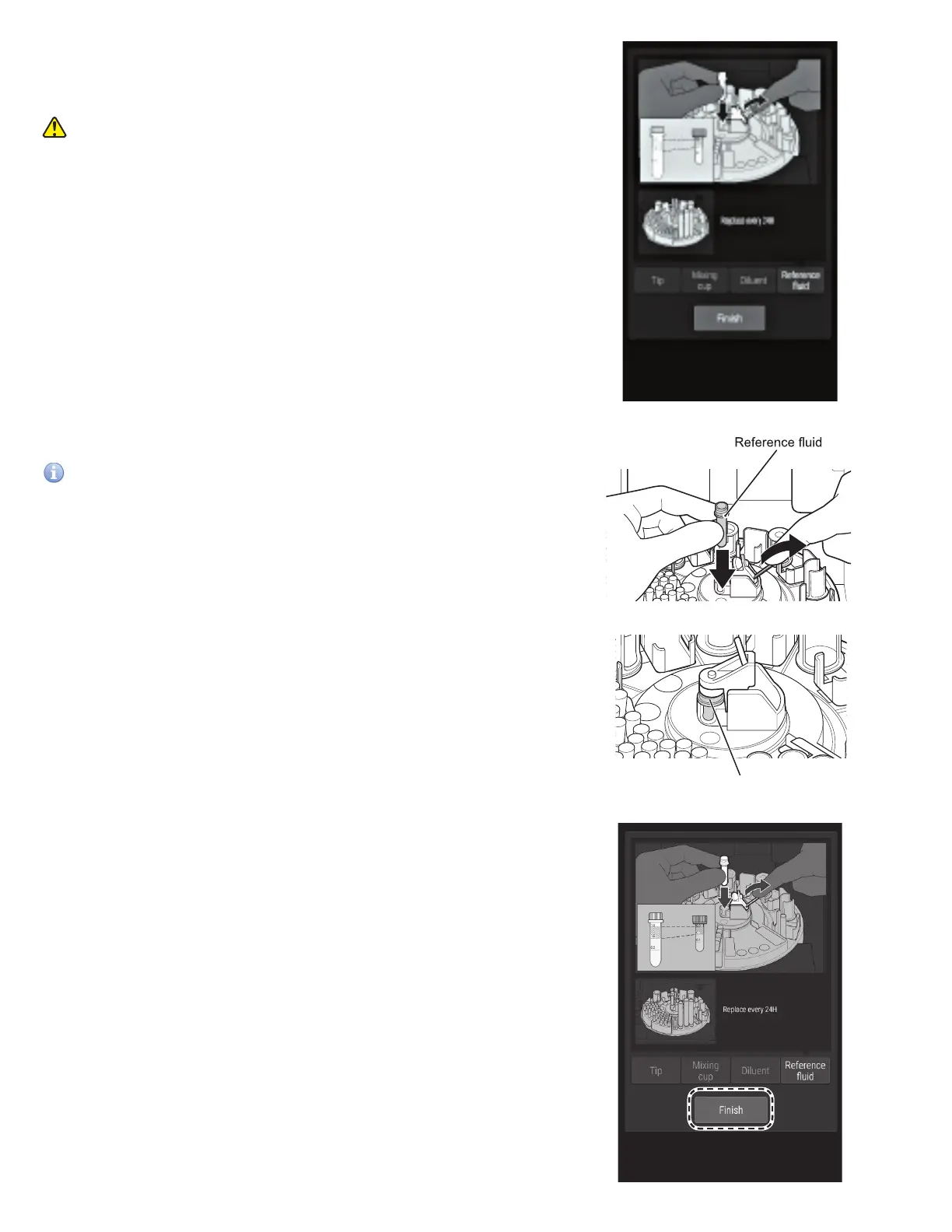
4. The Reference fluid loading screen appears.
The sample disk turns, and the consumables are moved to
the front.
CAUTION
Do not touch the sample disk until it stops.
5. Load the tube containing the reference fluid.
IMPORTANT
Clean the cap of the reference fluid every time you load the
reference fluid. Section 6.8
NOTE: Make sure the reference fluid cap is closed properly.
6. Touch FINISH to exit.
The sample disk turns, and the sample rack is moved to
the front.



 To Next Page