71
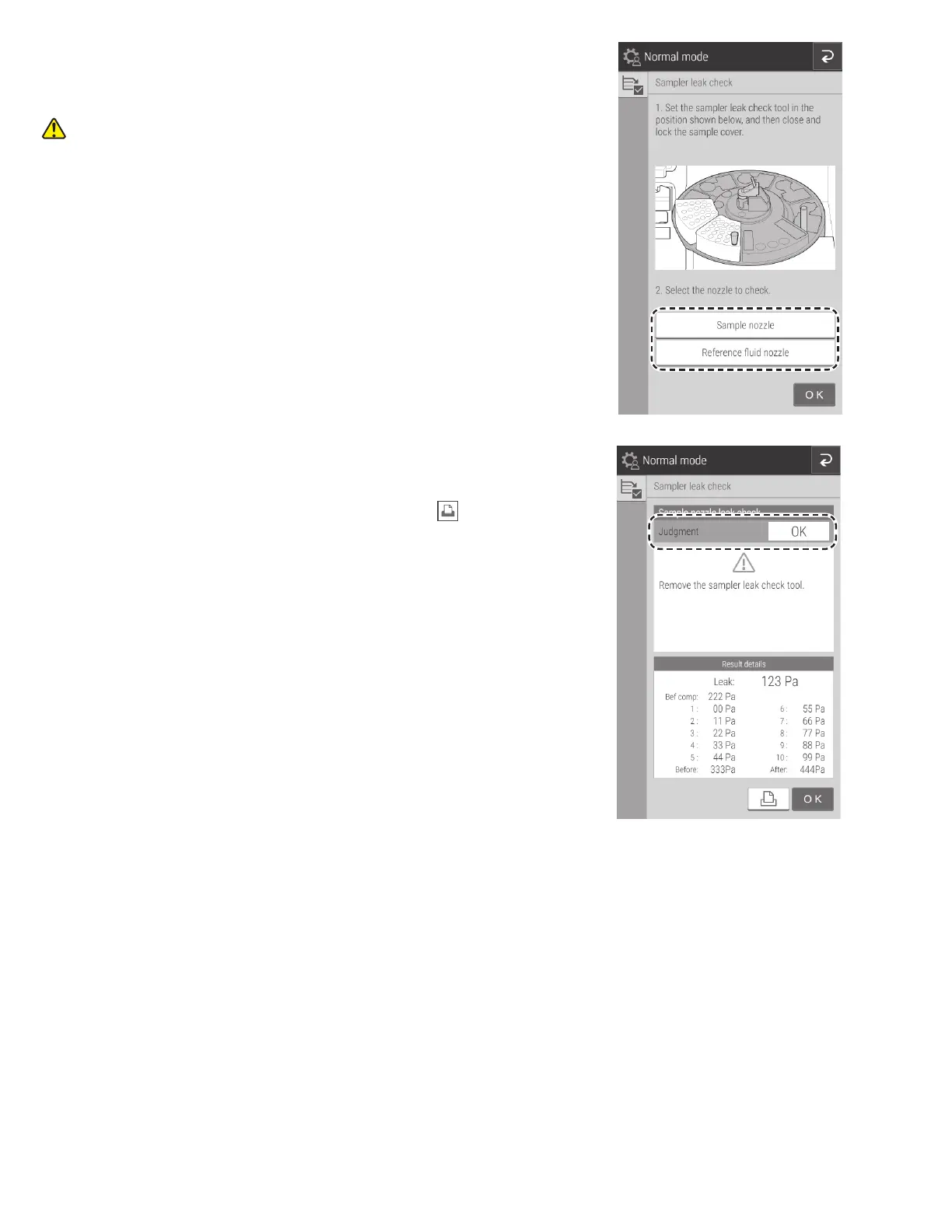
5. Touch the nozzle to be checked to select it, and then run the
leak check.
Once check ends, the Check results screen appears.
CAUTION
Keep your fingers away as the sampler unit and sample disk
move.
6. Check the results of the [Sampler leak check].
If the check results are [OK], it is not necessary to replace the O-ring.
NOTE: The check results can be printed by touching .



 To Next Page