115
List of Error Messages
RM2612 Resistance Calculation Software
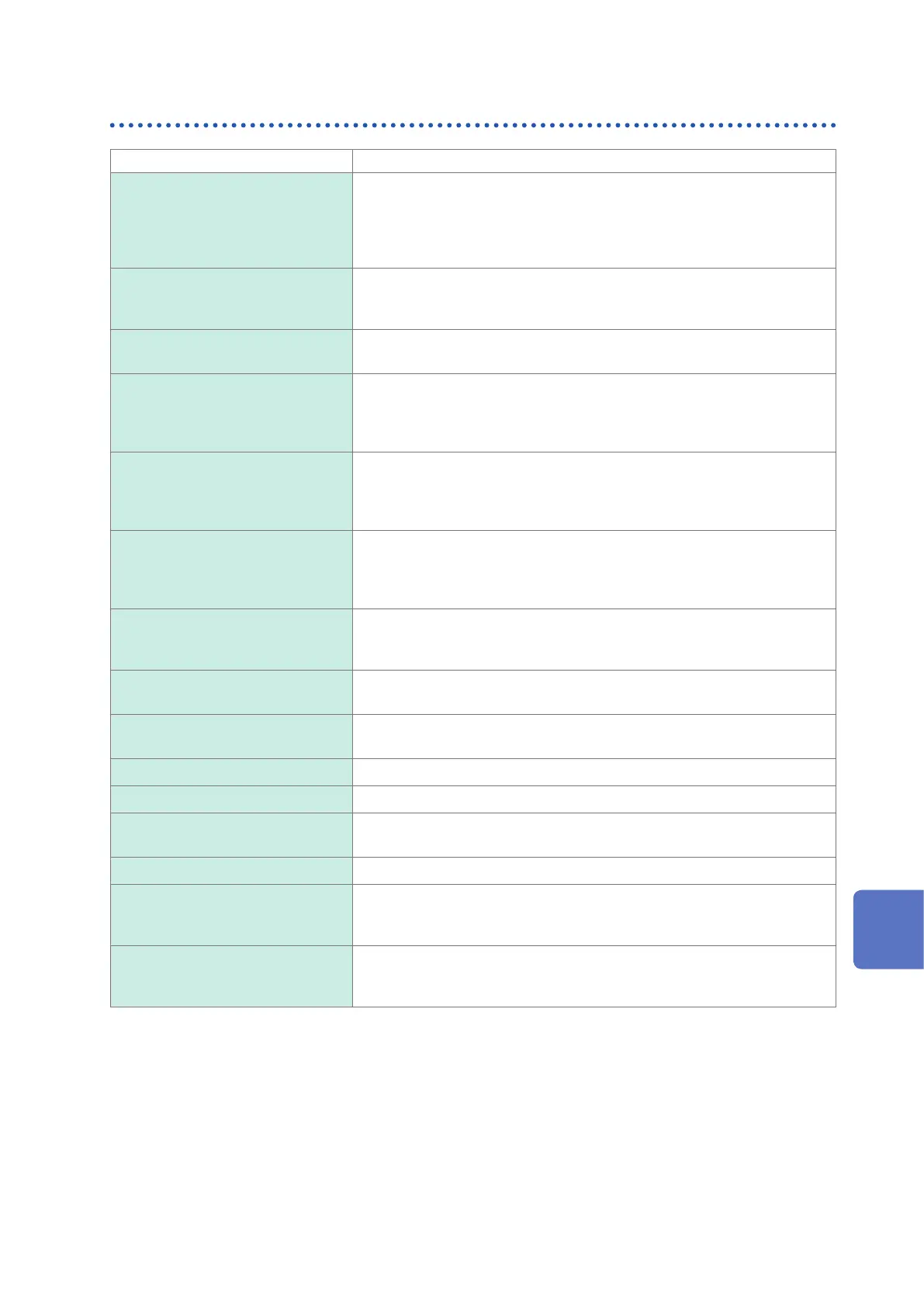
Dialog box message Solution
Check the connection with the
RM2611.
The RM2611 Electrode Resistance Meter and PC are not connected.
• Check the communications settings under [Settings]-[System] (p. 31).
Verify that the RM2611 Electrode Resistance Meter and PC are connected
with a USB cable.
• Verify that the RM2611 Electrode Resistance Meter is turned on (p. 29).
Abnormal contact resistance. One or more probes is suffering from incomplete contact. Change the
measurement position of the probe check board and try measuring several
times (p. 32).
Directory does not exist. Please
specify the le path again.
Check the path used to save les.
File is being edited. Please enable
le operation.
The le to which the PC application is attempting to append data may have
been opened by another application. Please close the le in question. If the
error persists, check whether the le attributes allow write access by the PC
application.
The le is a read-only le and
cannot be saved. Please enable
le operation.
The le to which the PC application is attempting to append data may have
been opened by another application. Please close the le in question. If the
error persists, check whether the le attributes allow write access by the PC
application.
File save error. The PC application was unable to output a le. Please check the following:
• Does the application have write access to the output path (folder)?
• Is there enough space available on the disk?
• Has the output le been opened by another application?
Please insert the license key. The PC application checks for the USB license key when it launches and
when it starts measurement, among other times. Please insert the USB
license key (p. 30).
The MUX unit is not connected. Please properly insert the MUX unit. If the error persists, the instrument is
malfunctioning. Please have it repaired.
No additional analysis
congurations can be added.
The maximum number of analysis conditions that can be added is 100.
Please delete an existing row before attempting to add a new one.
Wrong password Please enter the correct administrator password.
Out of range. Please enter a value that falls within the valid setting range.
Failed to download the latest
version.
Please verify that you have Internet connectivity and can download les.
(Please check with the administrator of the network you’re using.)
Not connected to the Internet. Please connect to the Internet.
Abnormal potential distribution. One or more probes is suffering from incomplete contact. Change the
measurement position of the probe check board and try measuring several
times.
Abnormal insulation resistance. Check whether probes are in contact with the gold pattern on the probe
inspection board. (Ensure that probes make contact with the non-conductive
surface.)
10
9
7
6
5
4
3
2
1
索引
8
Maintenance and Service



 To Next Page