47
Starting Measurement
3.8 Starting Measurement
IMPORTANT
• Allow the instrument to warm up for at least 60 minutes to ensure measurement accuracy.
• Do not touch the RM9004 Test Fixture or other system components during measurement.
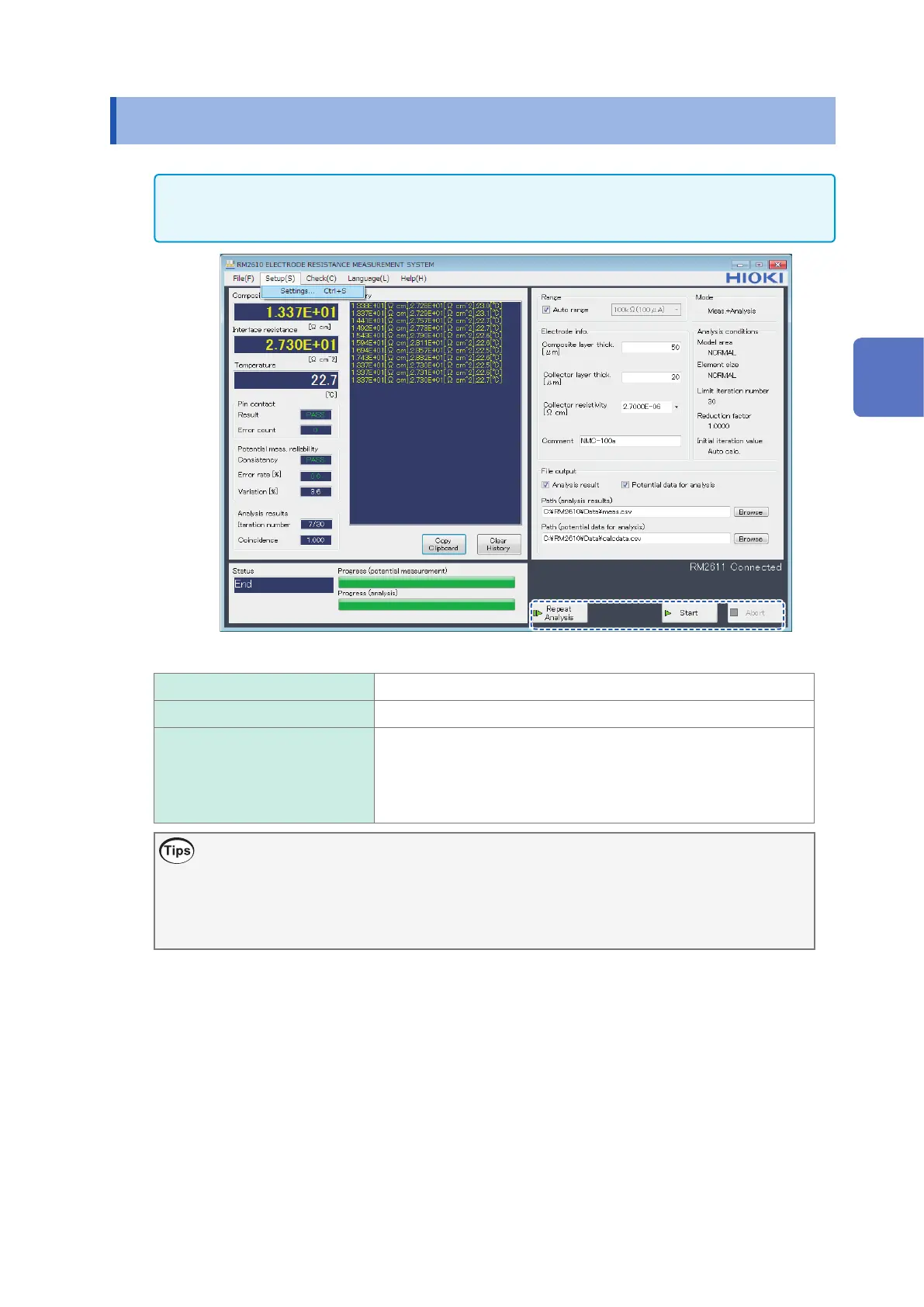
Start Starts measurement.
Abort Aborts measurement.
Repeat analysis Uses the potential measurement results from the last measurement
to repeat analysis. Use this function if you entered an incorrect value
for the composite layer thickness or if you wish to repeat analysis
after increasing the limit iteration number or decreasing the reduction
factor after analysis has generated an error.
Counter function
The RM2612 Resistance Calculation Software provides functionality for counting the number of
measurements the instrument has performed. This information is output to the analysis results le
and potential distribution data for analysis le as a rough indicator of the number of measurements
performed by the RM9004 Test Fixture. See “7.3 Output File Formats” (p. 85).
3
Basic Measurement



 To Next Page