48
Checking Measurement Results
3.9 Checking Measurement Results
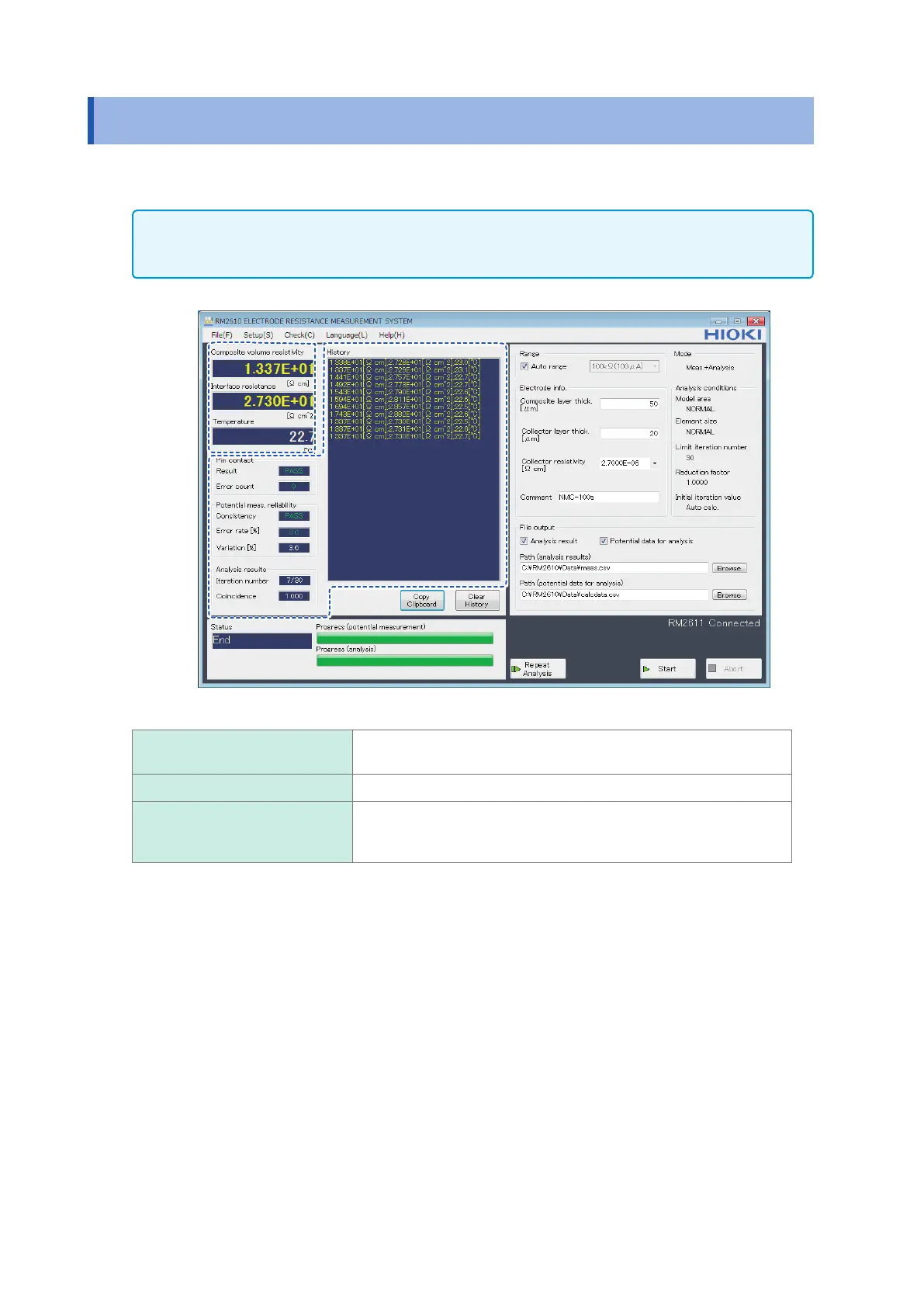
Once potential measurement and analysis have completed normally, the measurement results will
be displayed.
IMPORTANT
If the error rejection function is enabled, measured values will be shown in red if error data has been
rejected.
Composite volume resistivity Indicates the calculated layer resistivity. You can choose between
volume resistivity and surface resistivity in the settings.
Interface resistance Indicates the calculated interface resistance.
Temperature Indicates the temperature near the RM9004 Test Fixture as measured
by the RM2611 Electrode Resistance Meter. The temperature when
potential measurement was completed is shown.



 To Next Page