62
Checking the Software Version
4.11 Checking the Software Version
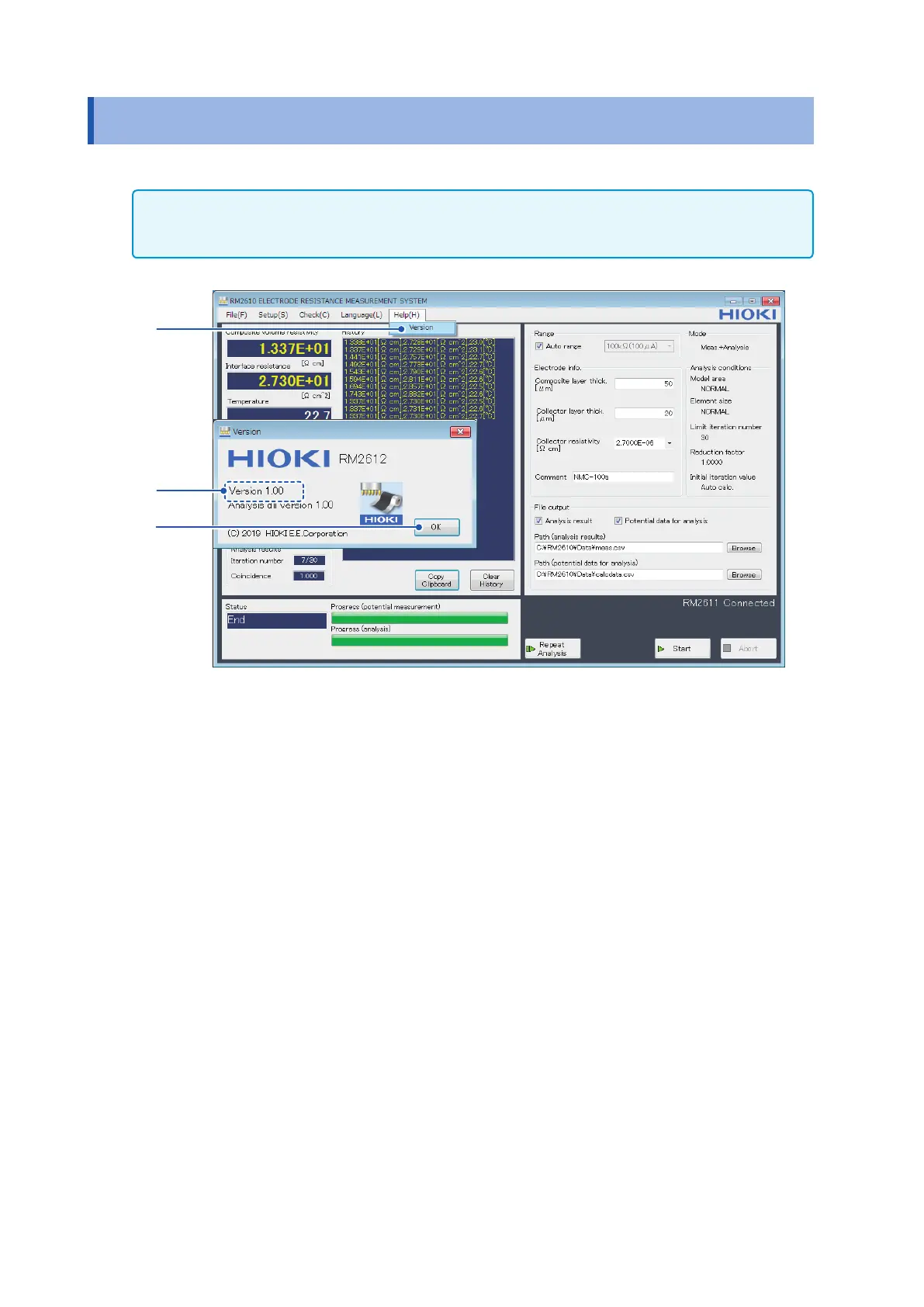
This section describes how to check the PC application’s software version.
IMPORTANT
If you have Internet connectivity and can download les, the RM2612 Resistance Calculation Software’s PC
application can be updated. For more information, see “9.2 Updating the Software” (p. 110).
1
2
3
1
Choose [Version].
2
Check the software version.
The dialog box displays the version of the PC application and the version of the analysis
DLL used internally by the software.
3
Click [OK].



 To Next Page