66
Setting Administrator Mode
4.15 Setting Administrator Mode
This functionality is not ordinarily used. Congure this setting only when you need to perform a
special operation or verify system operation.
IMPORTANT
Follow instructions from Hioki when inspecting the RM2611 Electrode Resistance Meter.
1
2
3
4
1
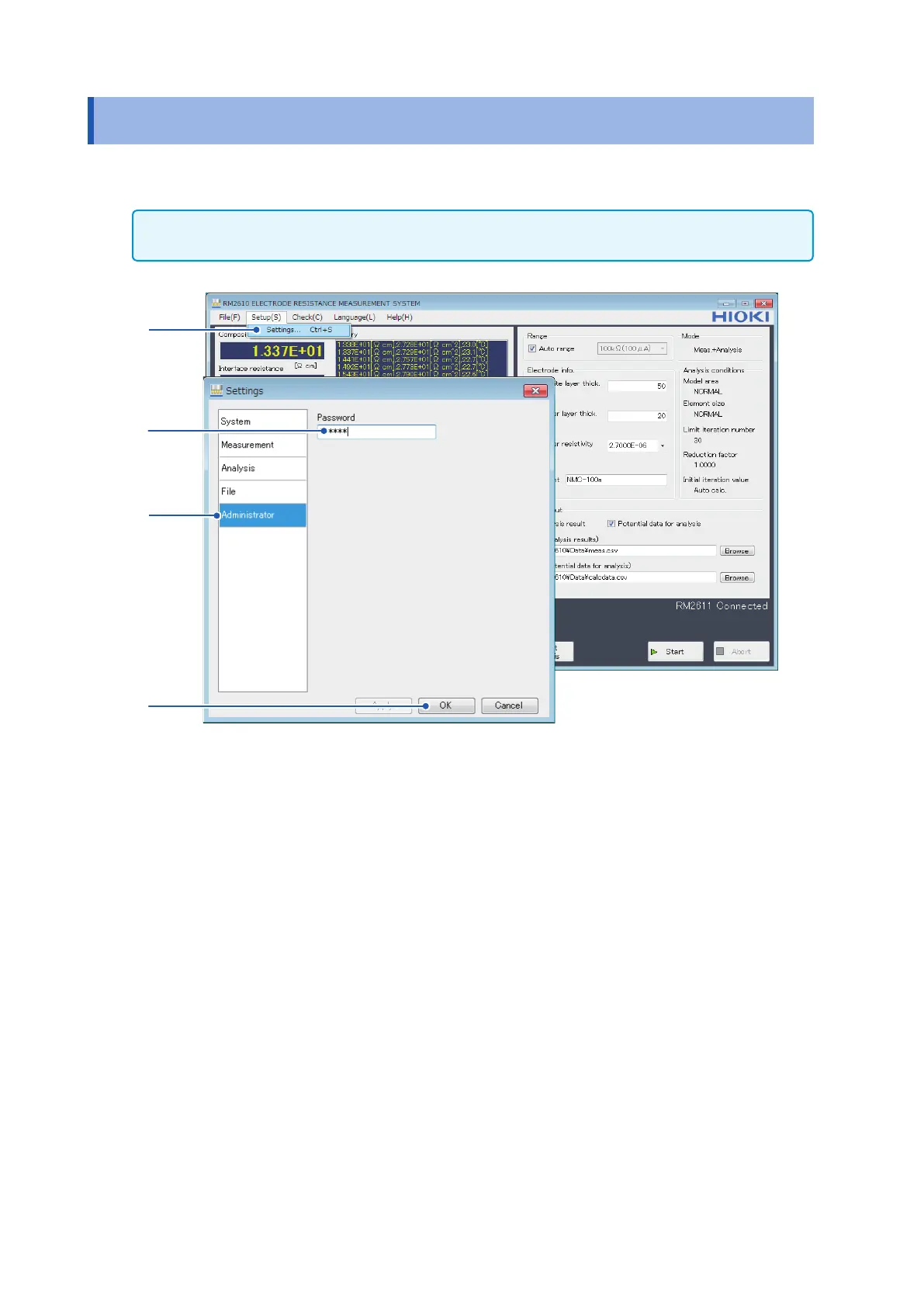
Choose [Settings].
2
Choose [Administrator].
3
Enter the [Password] (default password: rm2612).
4
Click [OK].



 To Next Page