3
About the Notations Used in This Manual
About the Notations Used in This Manual
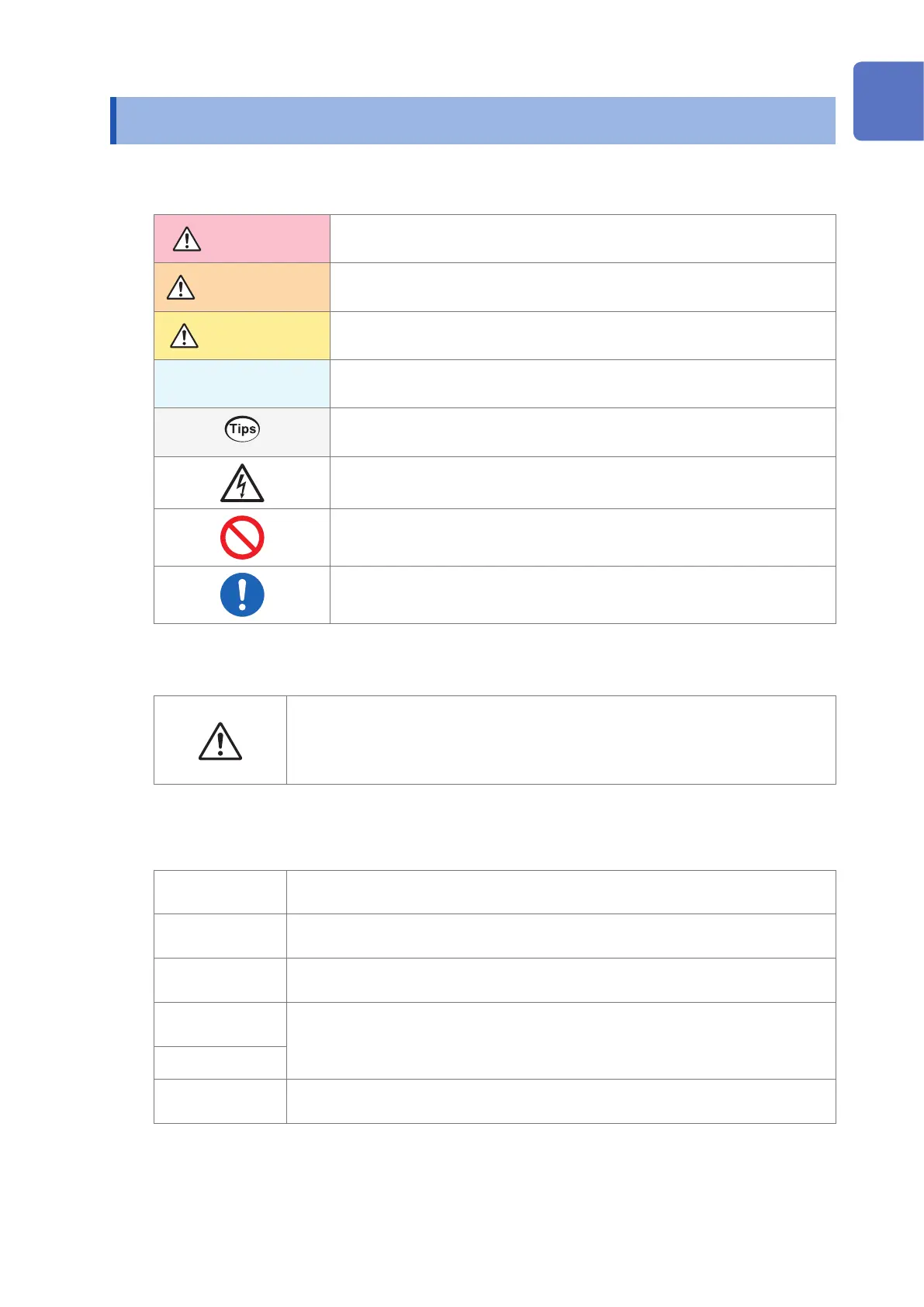
Safety notations
This manual classies seriousness of risks and hazard levels as described below.
DANGER
Indicates an imminently hazardous situation that will result in death of or serious
injury to the operator.
WARNING
Indicates a potentially hazardous situation that may result in death of or serious
injury to the operator.
CAUTION
Indicates a potentially hazardous situation that may result in minor or moderate
injury to the operator or damage to the product or malfunction.
IMPORTANT
Indicates information or content that is particularly important from the standpoint
of operating or maintaining the product.
Indicates useful advice concerning product performance and operation.
Indicates a high-voltage hazard. Failure to verify safety or improper handling of
the product could lead to an electric shock, burns, or death.
Indicates an action that must not be performed.
Indicates an action that must be performed.
Symbols on equipment
Indicates the need for caution or the presence of danger. For more information
about locations where this symbol appears on product components, see “Operating
Precautions” (p. 6), warning messages listed at the beginning of operating
instructions, and the document entitled “Operating Precautions” that comes with the
RM2611 Electrode Resistance Meter.
Other symbols
*
Instructs the reader to see below for additional information.
Indicates the default setting. When initialized, the product will revert to this value.
(p. ) Indicates the page number to reference.
START
(Bold)
The names of user interface elements on the screen are printed in bold or enclosed in
brackets.
[ ]
Windows
Unless otherwise noted, the term “Windows” is used to refer to Windows 7, Windows 8,
and Windows 10.
10
9
8
7
6
5
4
3
2
1
Index



 To Next Page