44
Saving Measured Values
Saving the current measurement results
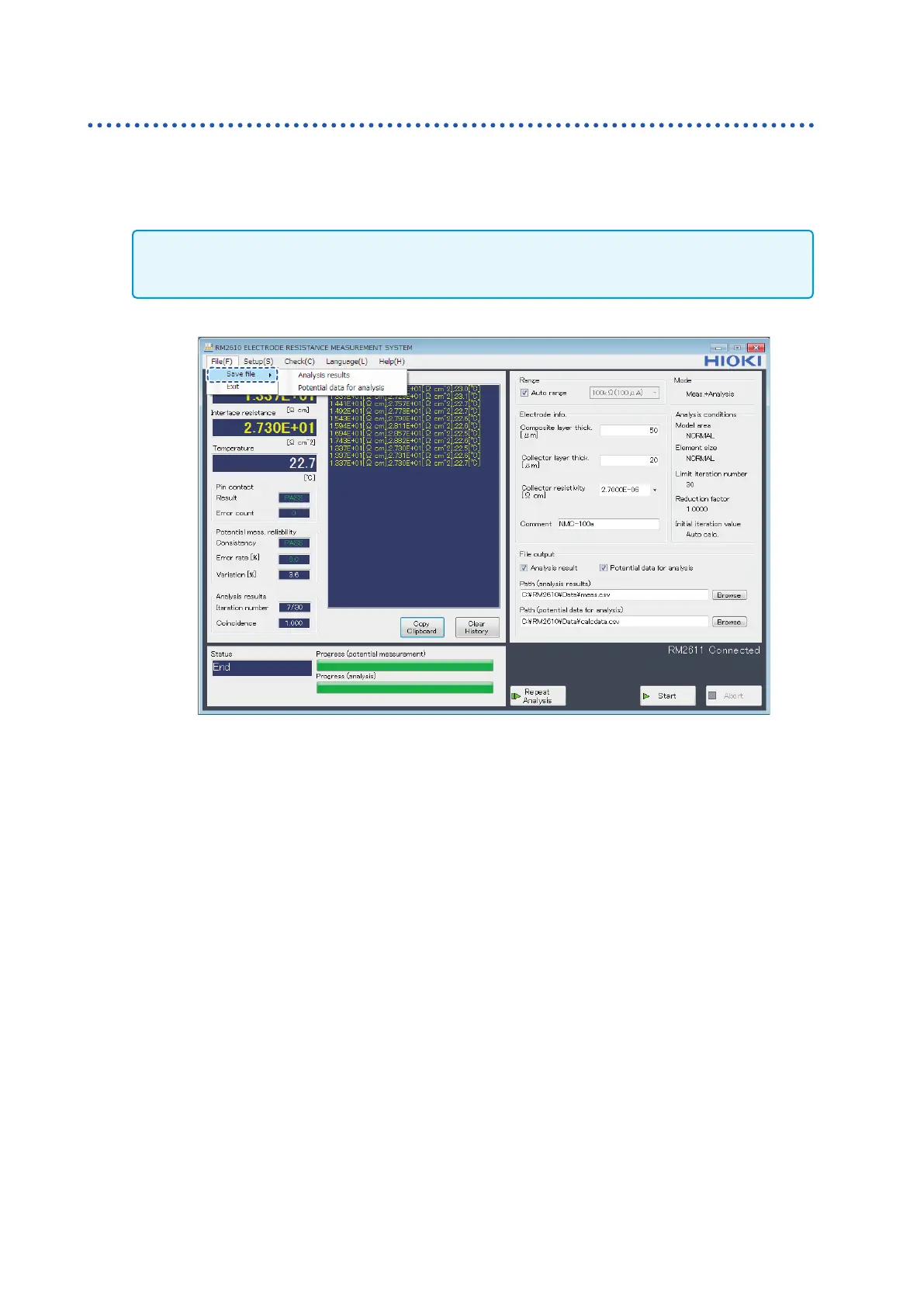
Even if you did not choose data to save under [File output] before measurement, you can save the
last analysis results and potential distribution data for analysis as a CSV le by choosing [Save le]
on the [File] menu and choosing [Analysis results] or [Potential data for analysis]. The data will
be saved to the lename set with the [Path (analysis results)] eld.
IMPORTANT
If using this functionality to save analysis results or potential data for analysis, be sure to choose [Save le]
before changing settings or electrode sheet information.



 To Next Page