39
Conguring the Contact Check Function
Using the contact check function
The contact check function improves the accuracy of potential measurement by detecting
incomplete probe contact. Ordinarily you should enable the function, although you can shorten
measurement times by disabling it. Change the setting as necessary.
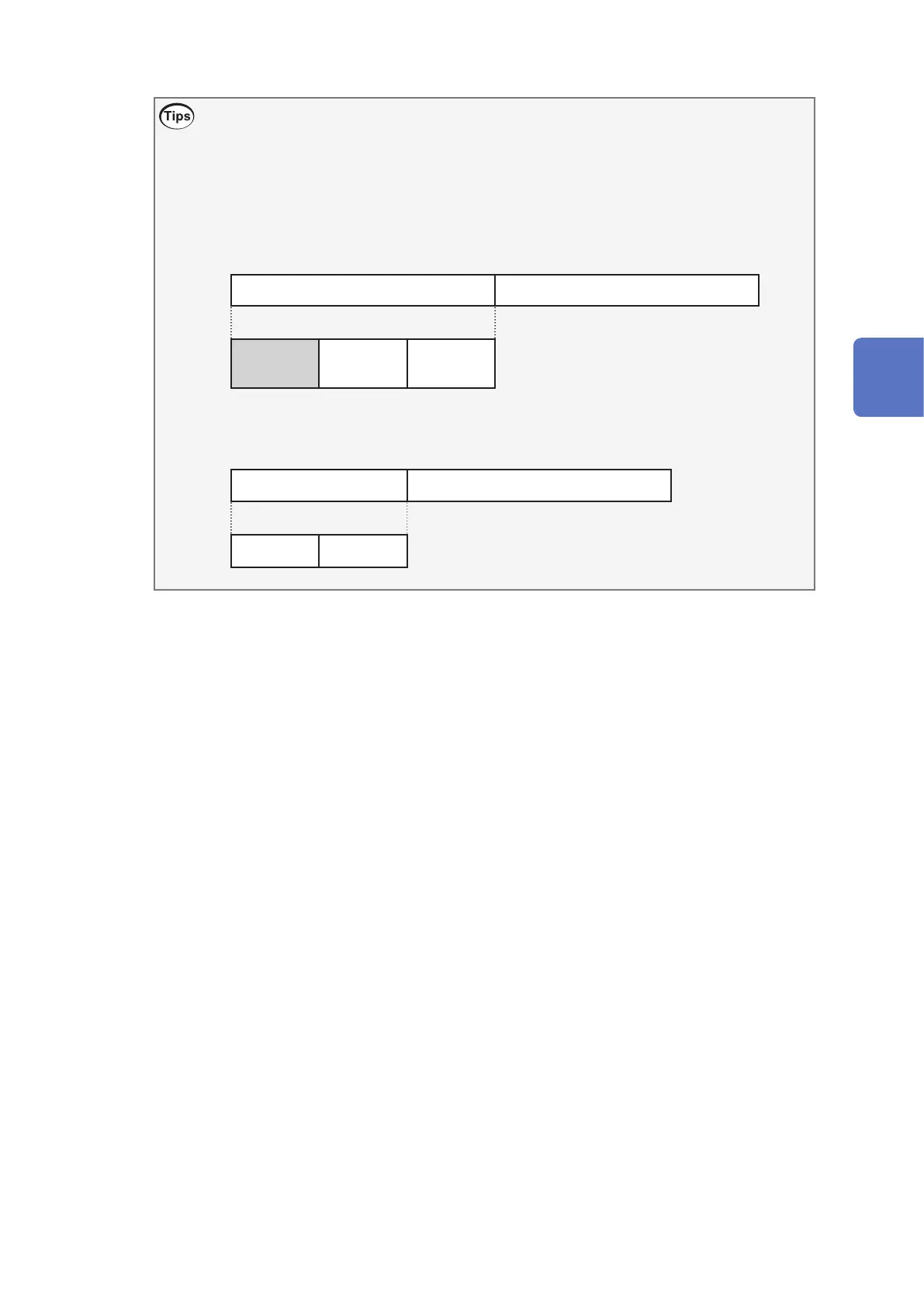
• Enable the contact check function.
Potential measurement Analysis
Contact
check
Auto range
Measurement
Start of measurement End of measurement
• Disable the contact check function.
Potential measurement Analysis
Auto range
Measurement
Start of measurement End of measurement
3
Basic Measurement



 To Next Page