Brevera Breast Biopsy System User Guide
Chapter 8: The Images
MAN-04303-002 Revision 006 Page 89
8: The Images
8.1 Introduction
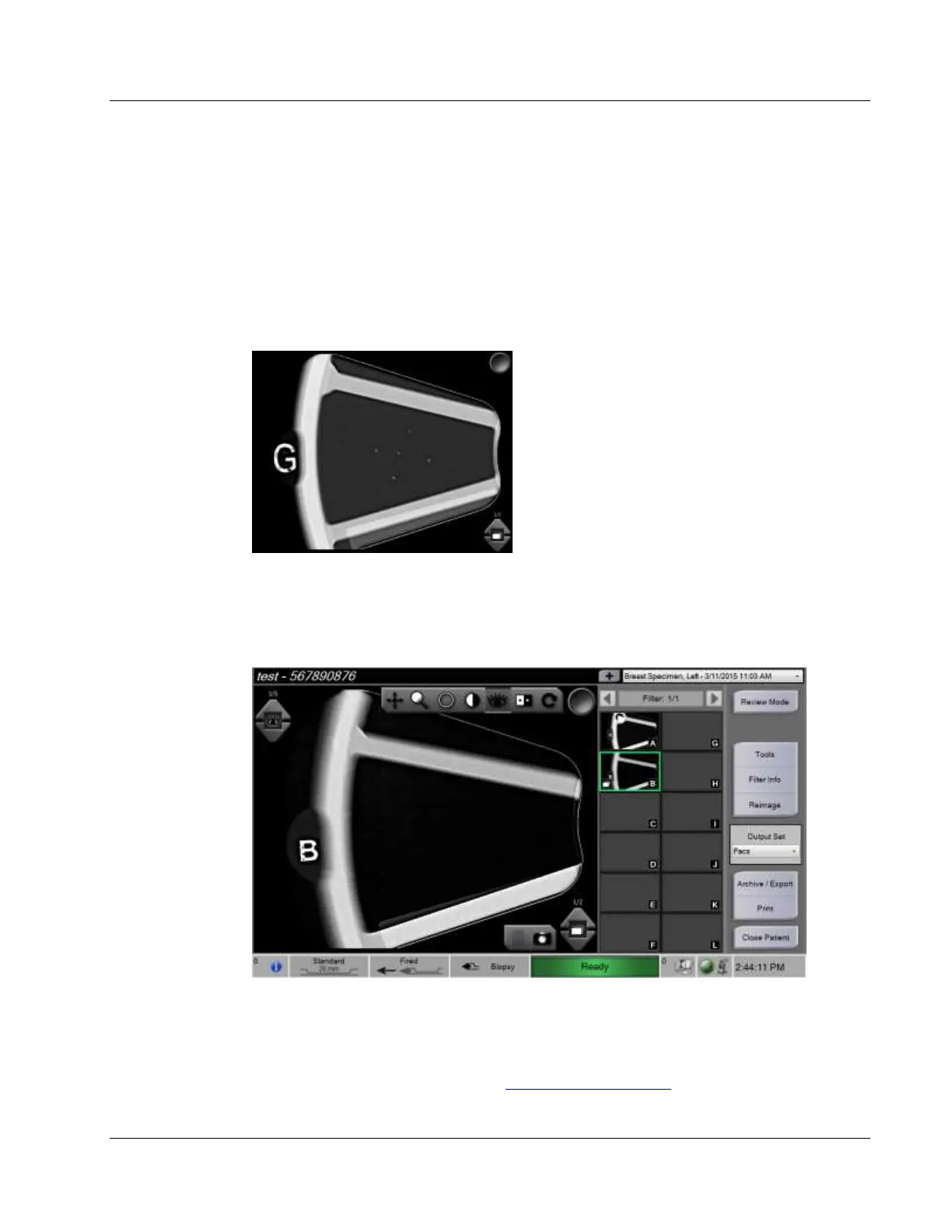
After you make an exposure, the acquired image displays and is accepted automatically.
A thumbnail image appears on the screen, with the corresponding letter designation for
the tissue filter chamber. Use the image functions to tag, review, enhance, and annotate
the images or reimage the cores.
Select a thumbnail image.
• A preview image shows in the large window on the screen.
• Use the image tools (refer to Image Enhancement Tools on page 92 ) to enhance the
whole image or areas of interest in the image.













 To Next Page