Brevera Breast Biopsy System User Guide
Chapter 5: User Interface - Technologist Display
MAN-04303-002 Revision 006 Page 59
5: User Interface - Technologist Display
The system has five biopsy system modes controlled by the Technologist display:
Standby, Test, Biopsy, Lavage, and Aspirate.
5.1 Technologist Display Screens and Modes
When the Brevera breast biopsy system powers on, it requires setup and a test cycle.
Setup and testing are completed by following the prompts on the Technologist display.
Setup
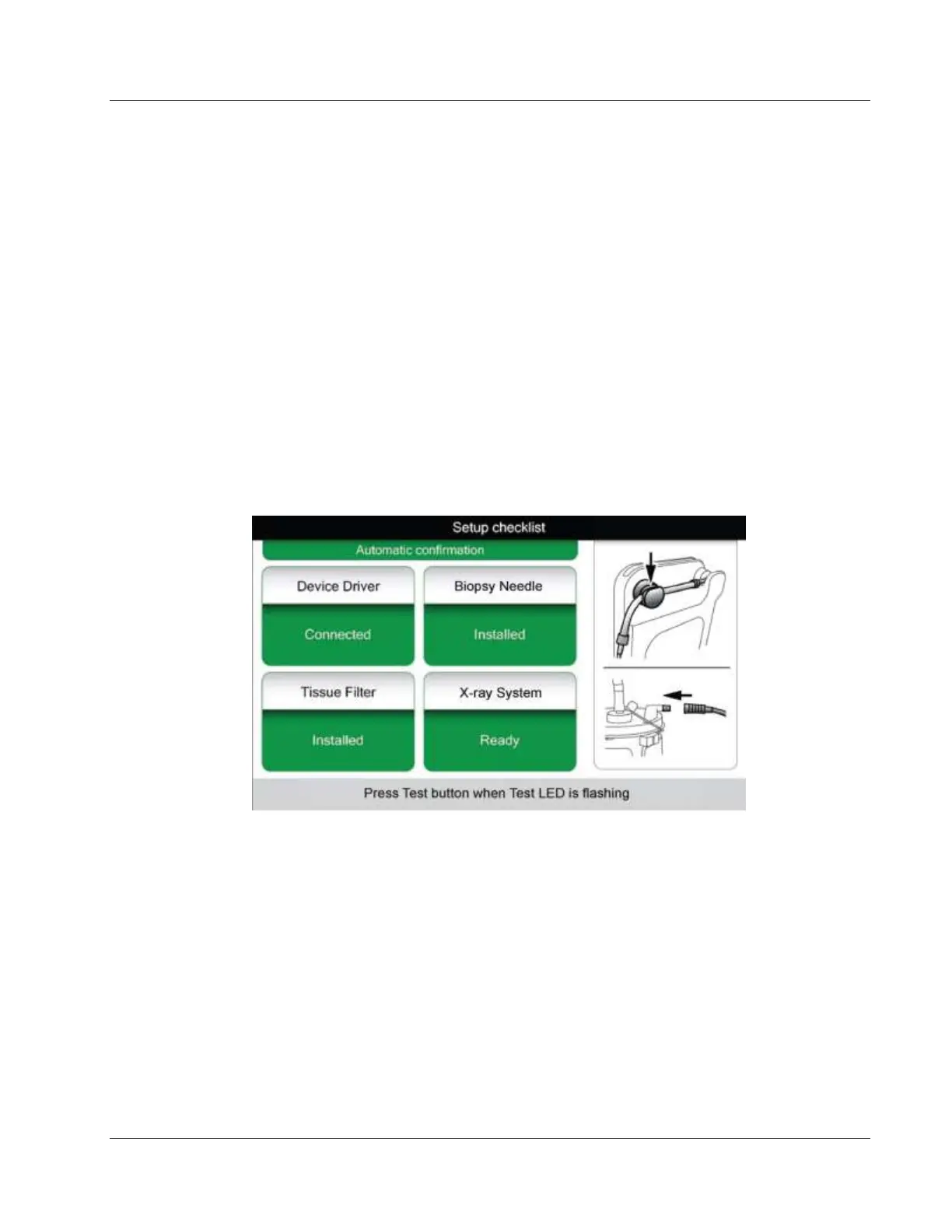
After powering on the system, the Setup screen appears on the Technologist display. The
system will automatically detect and confirm the connections for the device driver,
biopsy needle, tissue filter assembly, and x-ray system. Follow the prompts to manually
finish setup. The X-ray system will not show a Ready status until patient information is
entered on the Imaging display.













 To Next Page