Brevera Breast Biopsy System User Guide
Chapter 7: Biopsy
Page 76 MAN-04303-002 Revision 006
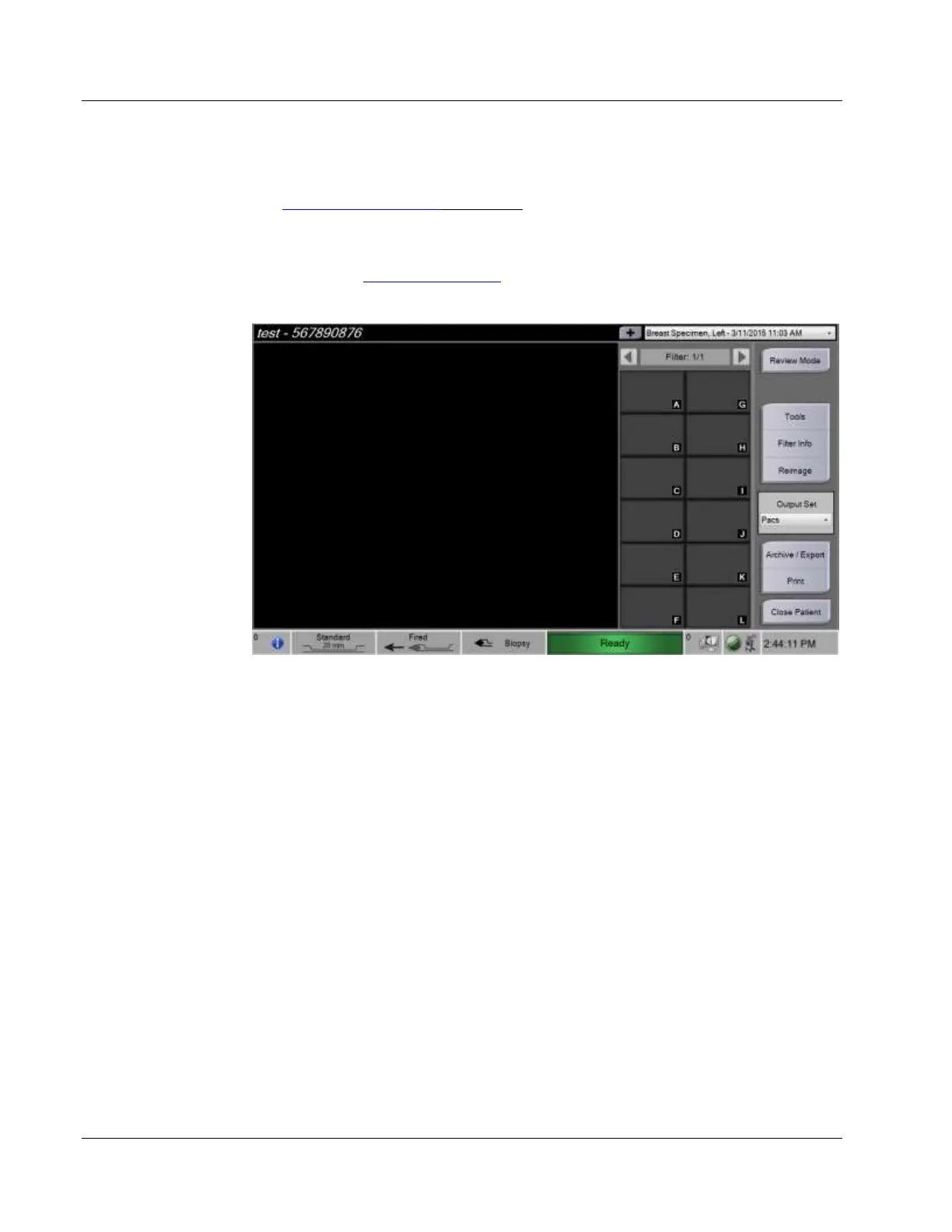
7.4 Prepare for Image Acquisition
Refer to The Select Patient Screen on page 44 for detailed information on the screen
components.
1. Select a patient from the worklist in the Select Patient screen, or manually add a new
patient (refer to How to Add a Patient on page 46).
2. In the Procedure screen, select the output devices.
3. Confirm that the tissue filter drawer is closed and that the system is free of any error
messages.
4. Turn the Key switch to the unlocked position.













 To Next Page