Brevera Breast Biopsy System User Guide
Chapter 7: Biopsy
Page 78 MAN-04303-002 Revision 006
7.6 Attach a Biopsy Device Adapter to the Biopsy Guidance
System
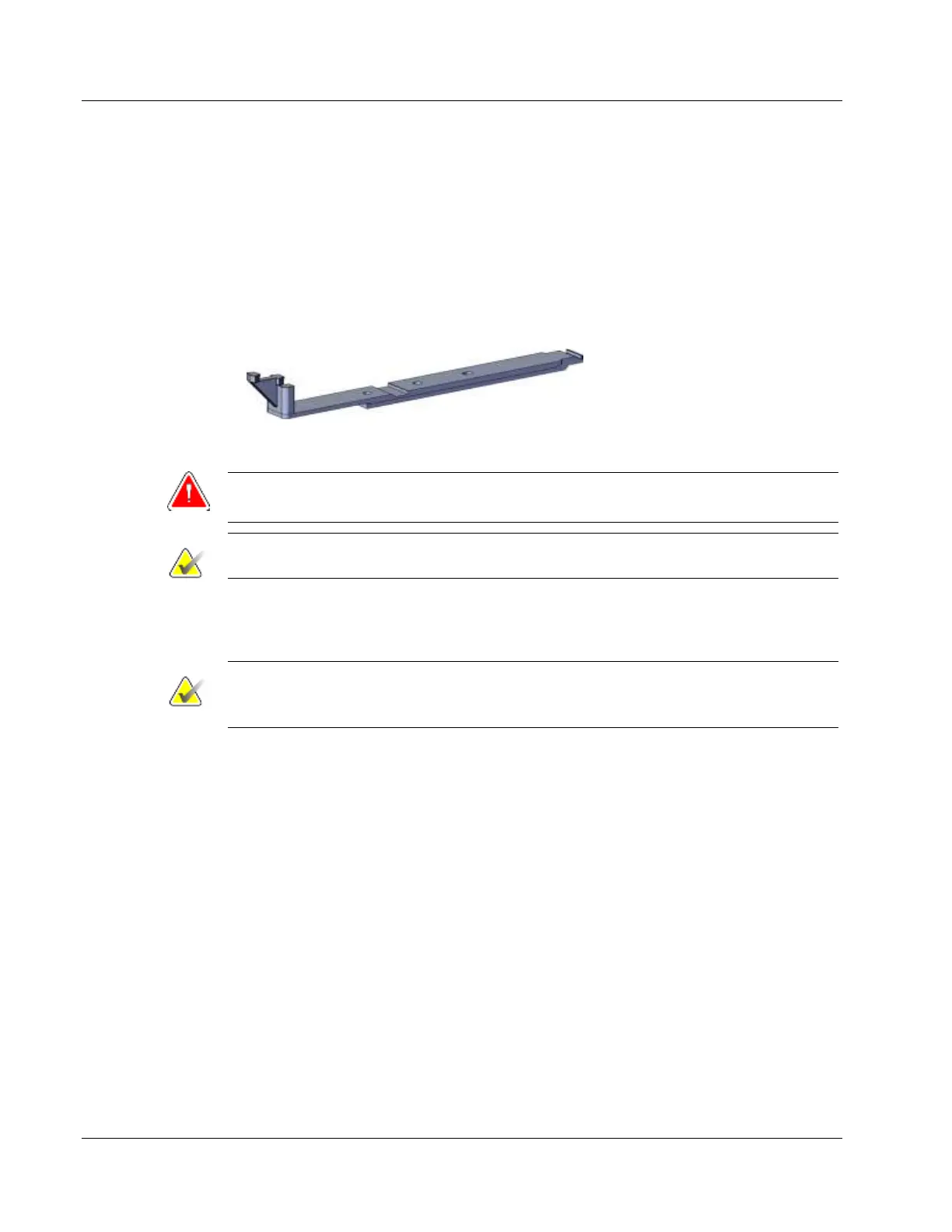
A biopsy device adapter is required to hold the biopsy device in place on a compatible
biopsy guidance system. Attach the correct adapter to the biopsy guidance system.
Hologic offers biopsy device adapters for the Brevera breast biopsy system. Refer to the
instructions for use provided with the Brevera biopsy needle and with the biopsy device
adapter for additional information.
Figure 51: Biopsy Device Adapter
Warning:
Make sure the needle guide is installed correctly before use.
Note
Use only biopsy device adapters approved by Hologic.
7.6.1 Using the System with Stereotactic (STX) Guidance
Note
Complete training and understanding of your stereotactic guidance system should be
provided by the vendor of your stereotactic system.
For additional training or questions on specific stereotactic applications, contact your
Hologic Clinical Education Specialist, Hologic Customer Support, or your Hologic
distributor.
7.7 Attach the Biopsy Device to the Biopsy Device Adapter
1. Place the system in Biopsy mode.
2. Press the Arm button on the remote control for at least two seconds to arm the
biopsy device.
3. Align the biopsy device with the biopsy device adapter.
4. Slide the biopsy device forward until the introducer on the distal end of the Brevera
breast biopsy device engages with the biopsy device adapter and the release latch of
the driver engages with the proximal end of the biopsy device adapter. There is an
audible click when the pieces are properly engaged, and the biopsy device will no
longer slide on the adapter.













 To Next Page