Brevera Breast Biopsy System User Guide
Chapter 3: Components, Controls, and Indicators
MAN-04303-002 Revision 006 Page 41
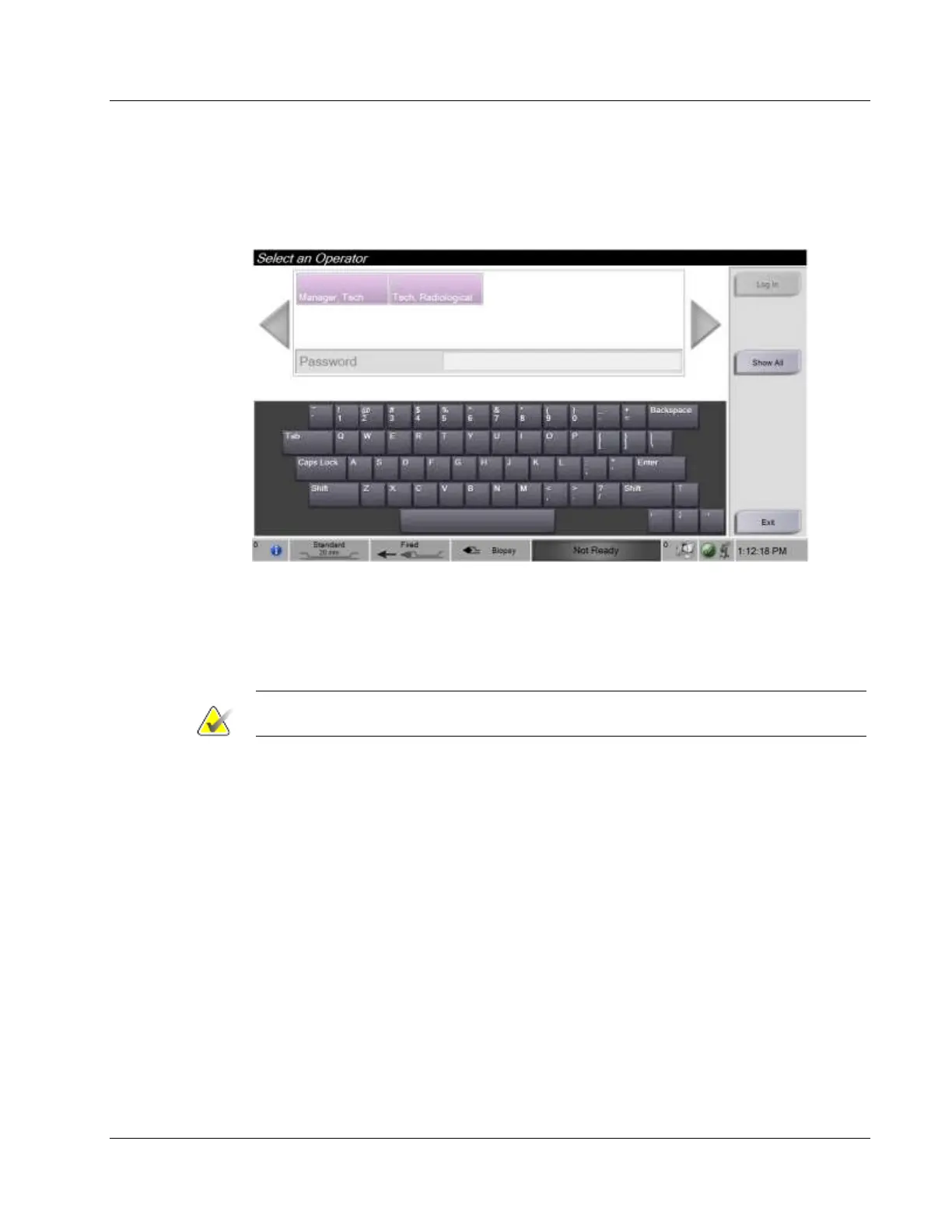
3.6.1 Log In
The Select an Operator screen shows user names or user groups (such as the Manager
group). If your user name or group is not shown, select the Show All button.
3.7 How to Shut Down the System
1. From the Procedure screen, select the Close Patient button.
2. From the Select Patient screen, select the Log Out button.
3. Select the Shutdown button on the Imaging display or press the console Power
button.
• If the system is not ready for shutdown, a prompt displays the option to continue
or cancel the system shutdown. Select the Check button on the Technologist
display to stop all pending jobs and continue shutdown. Select the X button on
the Technologist display to keep the system running and finish pending jobs.
3.7.1 How to Remove All Power from the System
1. Make sure that the computer system and console are completely turned OFF.
2. Disconnect the power cord from the electrical outlet.













 To Next Page