Brevera Breast Biopsy System User Guide
Chapter 3: Components, Controls, and Indicators
MAN-04303-002 Revision 006 Page 35
The biopsy needle is packaged with the suction and saline tubing, the tissue filter, and
the introducer. The biopsy needle is already connected to the suction and saline lines.
The suction tubing includes an in-line tissue filter assembly. The tissue filter comes
preassembled and is placed in the tissue filter drawer. Refer to Tissue Filter Connections on
page 36 for more information on connecting the tissue filter.
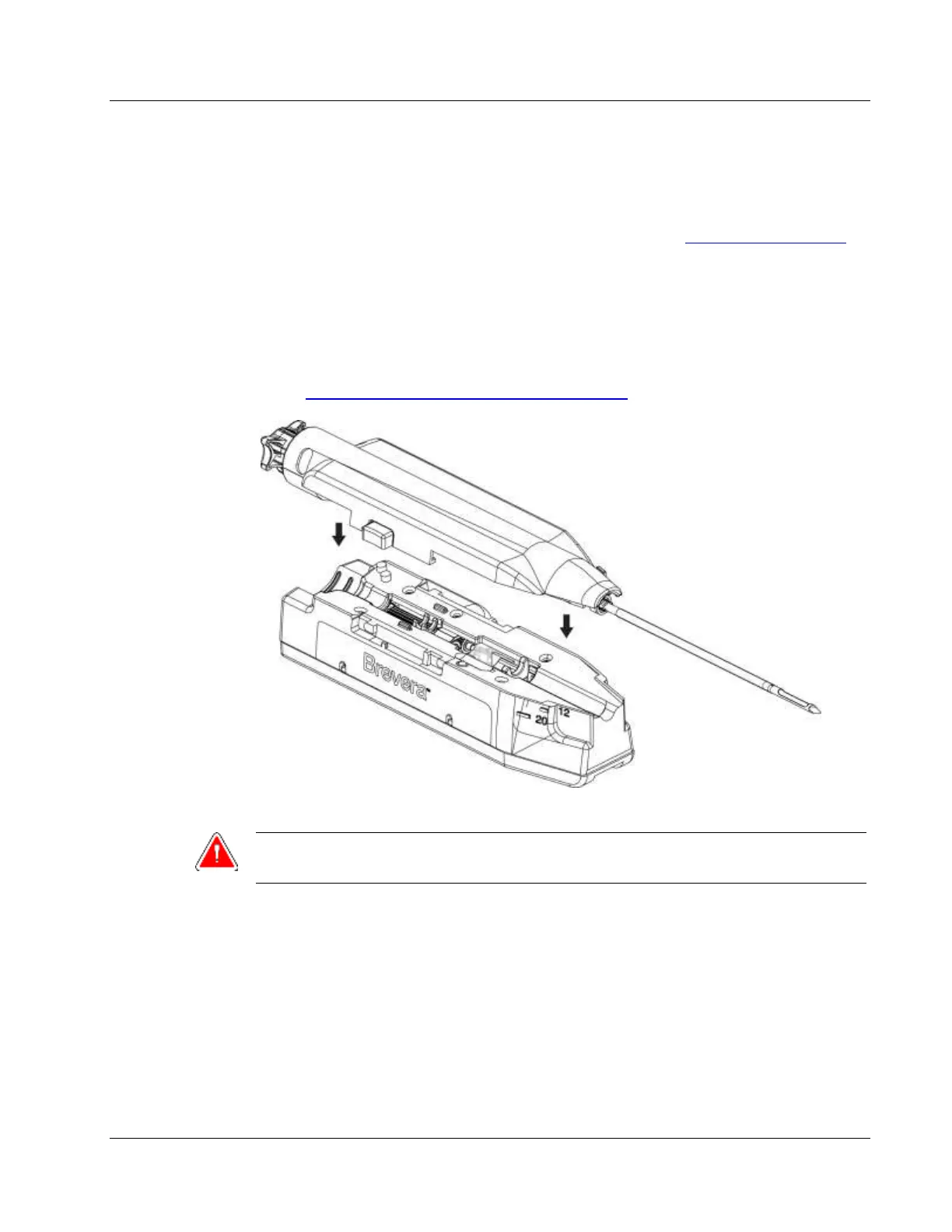
The biopsy needle is powered by the device driver. The biopsy needle is connected to the
device driver by carefully lining up and moving the needle down over the driver until it
engages. The needle is then slid forward until it locks into position. The connected
combination of the biopsy needle and the device driver is referred to as the biopsy
device. For complete instructions on connecting the biopsy needle to the device driver,
refer to Connect the Device Driver and the Biopsy Supplies on page 69.













 To Next Page