Brevera Breast Biopsy System User Guide
Chapter 4: User Interface - Imaging Display
Page 46 MAN-04303-002 Revision 006
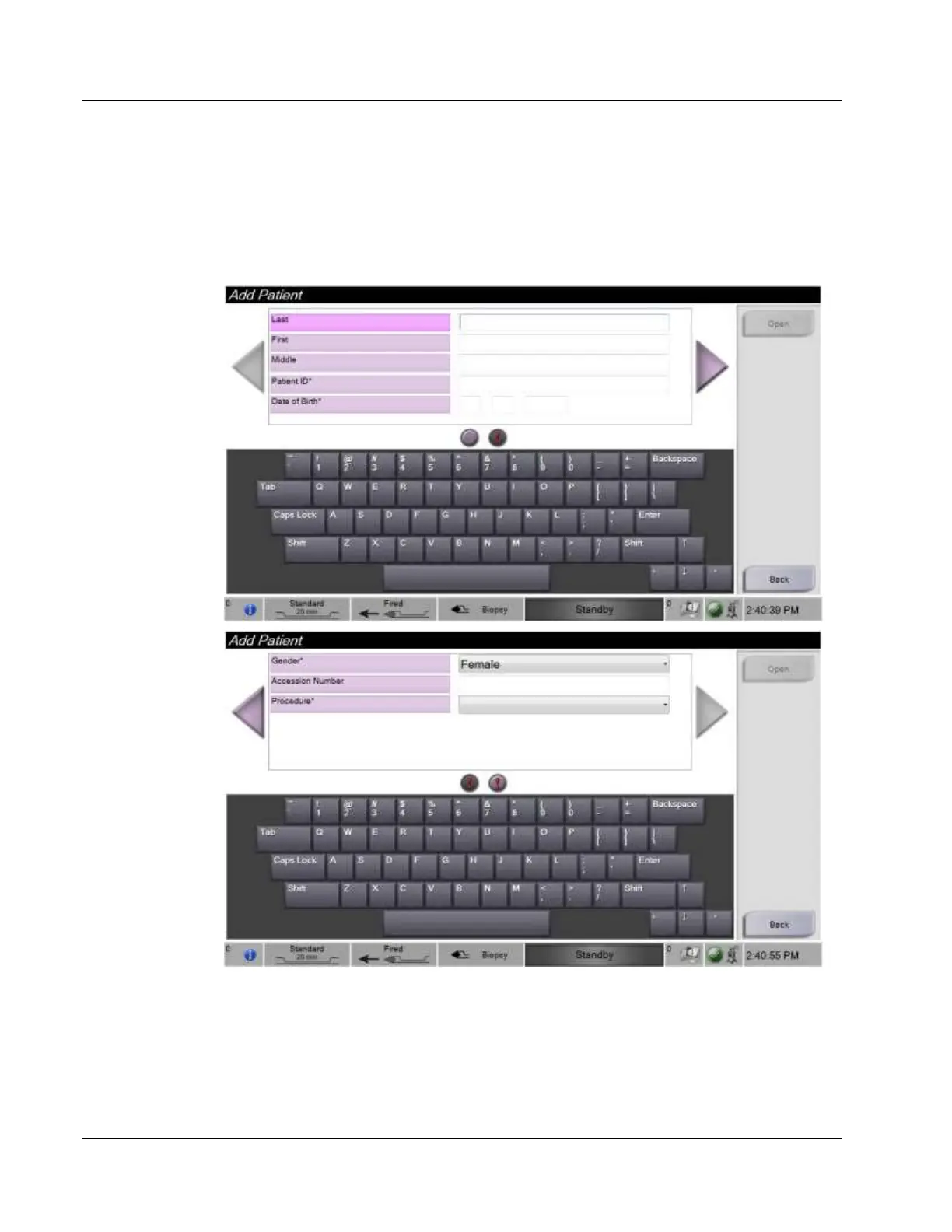
4.2.3 How to Add a Patient
1. In the Select Patient screen, select the New button.
2. Type in new patient information (fields with an asterisk are required). Use the
arrows to access the next or previous screen. Select a procedure.













 To Next Page