Brevera Breast Biopsy System User Guide
Chapter 4: User Interface - Imaging Display
Page 44 MAN-04303-002 Revision 006
System Status Icons
If the yellow exclamation mark icon is displayed and this taskbar section
flashes yellow, select the icon for more information about the error.
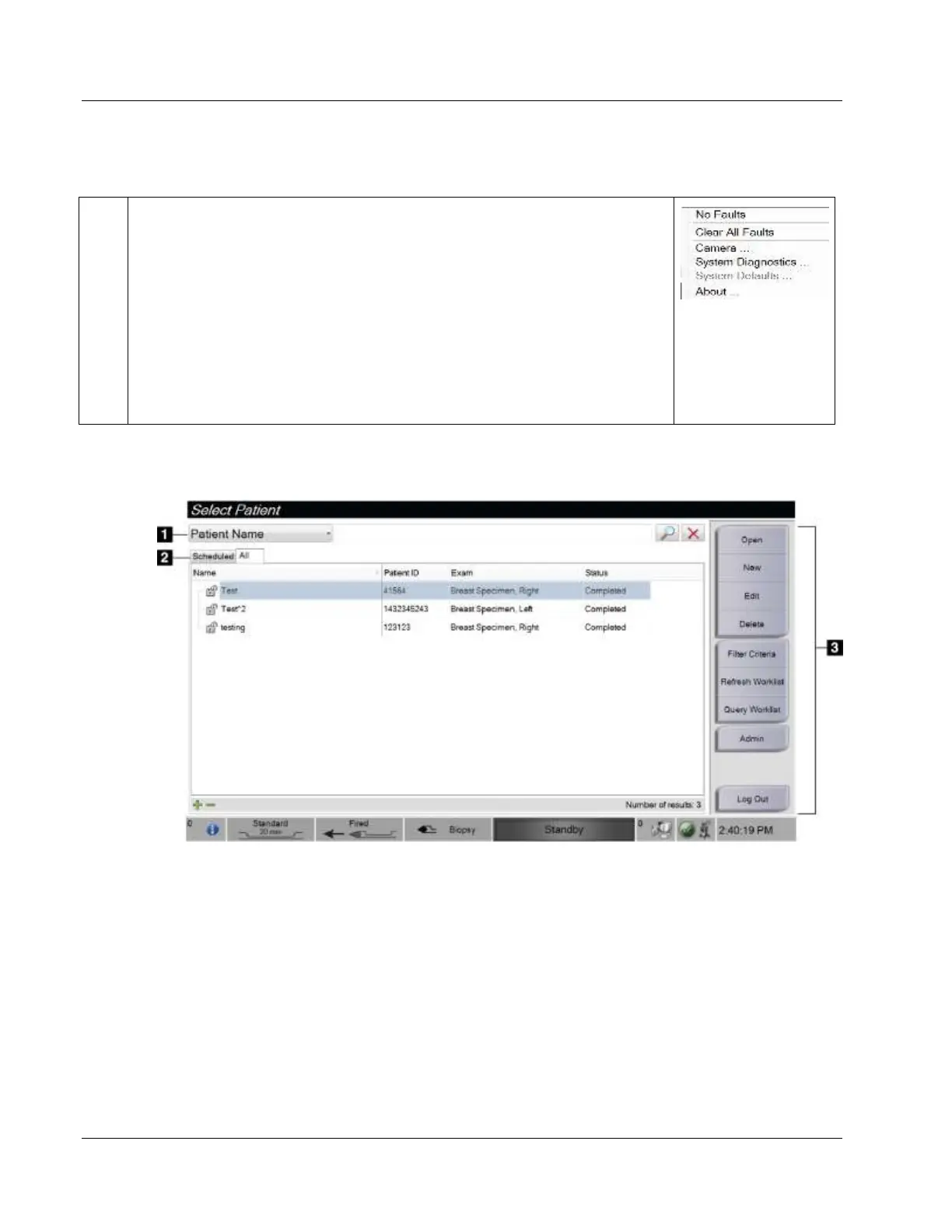
If the green check mark icon is displayed, select the icon to display a menu.
Clear All Faults deletes all error messages that can be cleared by the user.
Camera opens the camera screen to view inside the closed tissue filter
drawer.
System Diagnostics accesses subsystem settings.
About displays information about the workstation.













 To Next Page