Brevera Breast Biopsy System User Guide
Chapter 9: System Administration Interface
MAN-04303-002 Revision 006 Page 95
9: System Administration Interface
9.1 The Admin Screen
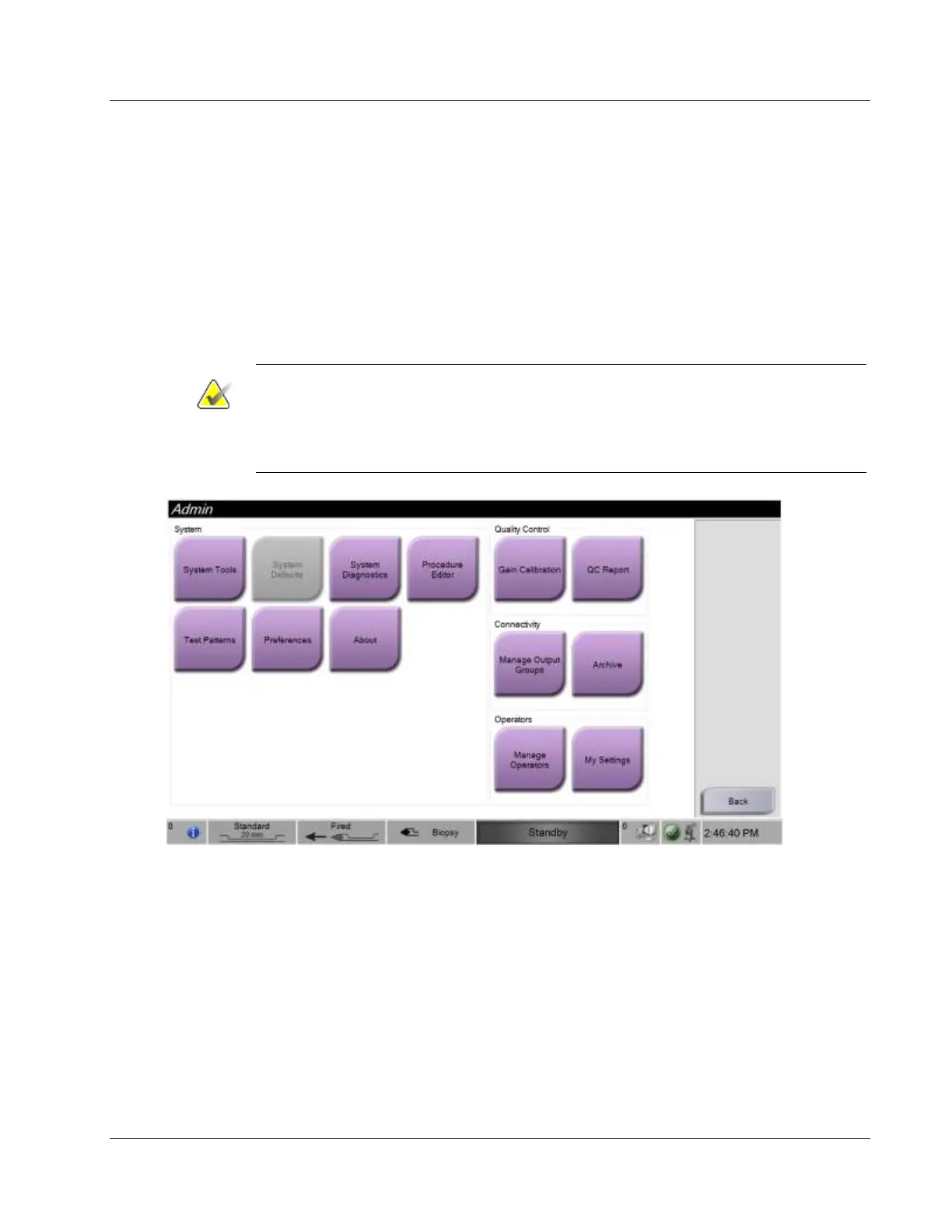
This section describes the functions available in the Admin screen. To access this screen:
1. Log in to the system.
2. On the Patient screen, select the Admin button on the right.
3. The Admin screen appears.
Note
The figures in this User Guide show the Admin screen with Manager level access. A
Radiological Tech (Primary User) has access to some functions on the Admin screen. A
Manager system user has access to more functions on the Admin screen. A Hologic
Service User has access to all functions on the Admin screen.













 To Next Page